An iptv panel admin is the person responsible for controlling every part of an IPTV system. From managing users and resellers to handling billing, renewals, and system security, this role connects all the moving parts into one smart, working structure. If you’re running an IPTV business or planning to scale, this guide is built to help you take full control.
This article is written for super admins, operations staff, and resellers who are ready to grow. It shows you how to manage your IPTV admin panel with clarity, not confusion. Most guides stop at basic features. This one goes further.
You’ll learn how to track real performance, set up a secure system, avoid costly mistakes, and pick the right IPTV panel. This guide is updated for 2026, includes admin KPIs, role comparisons, security actions, and even checklists to keep your setup clean and effective.
Before you dive into the technical details of the admin role, it is essential to understand the fundamentals of how IPTV works and what makes a service viable for managing. Our comprehensive guide on What is IPTV? provides essential context for anyone entering this space, while our detailed analysis of Is IPTV Legal? helps you navigate the regulatory landscape—critical knowledge for any iptv panel admin building a sustainable business. For those who want to understand the technical infrastructure, our article on the IPTV Encoder Box offers valuable insights. Building a solid foundation of knowledge is the first step toward mastering the iptv panel admin role.
Table of Contents
What Is an IPTV Panel Admin (And What It Is Not)
Many people confuse the term iptv panel admin with other roles in the IPTV business. This section clears that up. Knowing exactly what an IPTV admin does helps avoid costly mix-ups later.
An iptv panel admin is the main operator of the IPTV system. They have access to everything: user management, connection monitoring, reseller control, billing tools, and security settings. If you are the person setting rules, controlling access, and keeping the system stable, you are the iptv panel admin.
But here’s what this role is not:
It’s not just about selling lines. It’s not limited to activating accounts. It’s not a passive role. This is the person responsible for uptime, user experience, and platform growth.
Understanding this role gives you a clear advantage. Most platforms confuse admin and reseller roles. We don’t.
IPTV Panel Admin vs IPTV Reseller vs Automation Tools
Here’s how each role fits into the system:
| Role | What They Control | Key Limits | Tools Used |
|---|---|---|---|
| IPTV Panel Admin | Full control over users, billing, resellers | No limits | Admin panel, dashboard |
| IPTV Reseller | Sells to users, limited panel access | Cannot change system settings | Reseller panel |
| Automation Tools | Add-ons to help with renewals, billing | Only assist, not manage | WooCommerce, WHMCS, API |
An iptv panel admin can manage resellers. A reseller cannot access admin tools. Automation tools help both roles but do not replace them.
This difference matters. It affects how you run your IPTV setup and what level of access you need to grow your service. A true iptv panel admin setup gives you full control.
How an IPTV Admin Panel Works (System Overview)
To run an IPTV service smoothly, an iptv panel admin must understand how the system works from the inside. This section explains the full structure behind the panel, so you know what you’re really managing.
IPTV Panel Architecture Explained
An iptv panel admin works across multiple layers of the system. Each part connects to the other, forming a complete delivery platform:
- Server: This is where your IPTV content is hosted and streamed from. The admin needs to monitor server load and uptime regularly.
- Middleware: This handles account creation, content access, and permissions. Middleware connects your IPTV lines to user accounts.
- Dashboard: The main tool for the iptv panel admin. From here, you control users, monitor streams, and manage packages.
- APIs: These allow the panel to connect with tools like WordPress, WHMCS, or WooCommerce for automation.
Each layer plays a role in keeping your IPTV system running. If one part breaks, users feel it immediately.
Admin Workflow From Order to Activation
Here’s what the typical workflow looks like for an iptv panel admin managing new user accounts:
- Order Received
A customer places an order through the website, app, or direct message. - Account Creation
The admin adds a new user in the panel. Trial or paid account is selected. - Line Assignment
An IPTV line is created and linked to the user. Expiry date, device type, and limits are set. - Monitoring
Once the line is active, the admin monitors performance using live dashboards and connection maps. - Renewal or Deactivation
Before expiry, the admin sends renewal alerts. If not renewed, the account is closed or paused.
This step-by-step model keeps your service clean and efficient. Every successful iptv panel admin uses this process to scale without losing control.
For aspiring admins who want to understand the full ecosystem before managing a panel, we offer comprehensive resources on the IPTV Reseller Panel and the IPTV Reseller Panels Features Credits system. We also provide specialized guides like the Trex Reseller Panel and our IPTV Reseller Panel Explained article. Additionally, our IPTV Panel Admin guide provides practical insights into managing users and subscriptions. These resources are designed to help you understand the backend infrastructure before you step into the iptv panel admin role.
IPTV Panel Admin Dashboard Explained
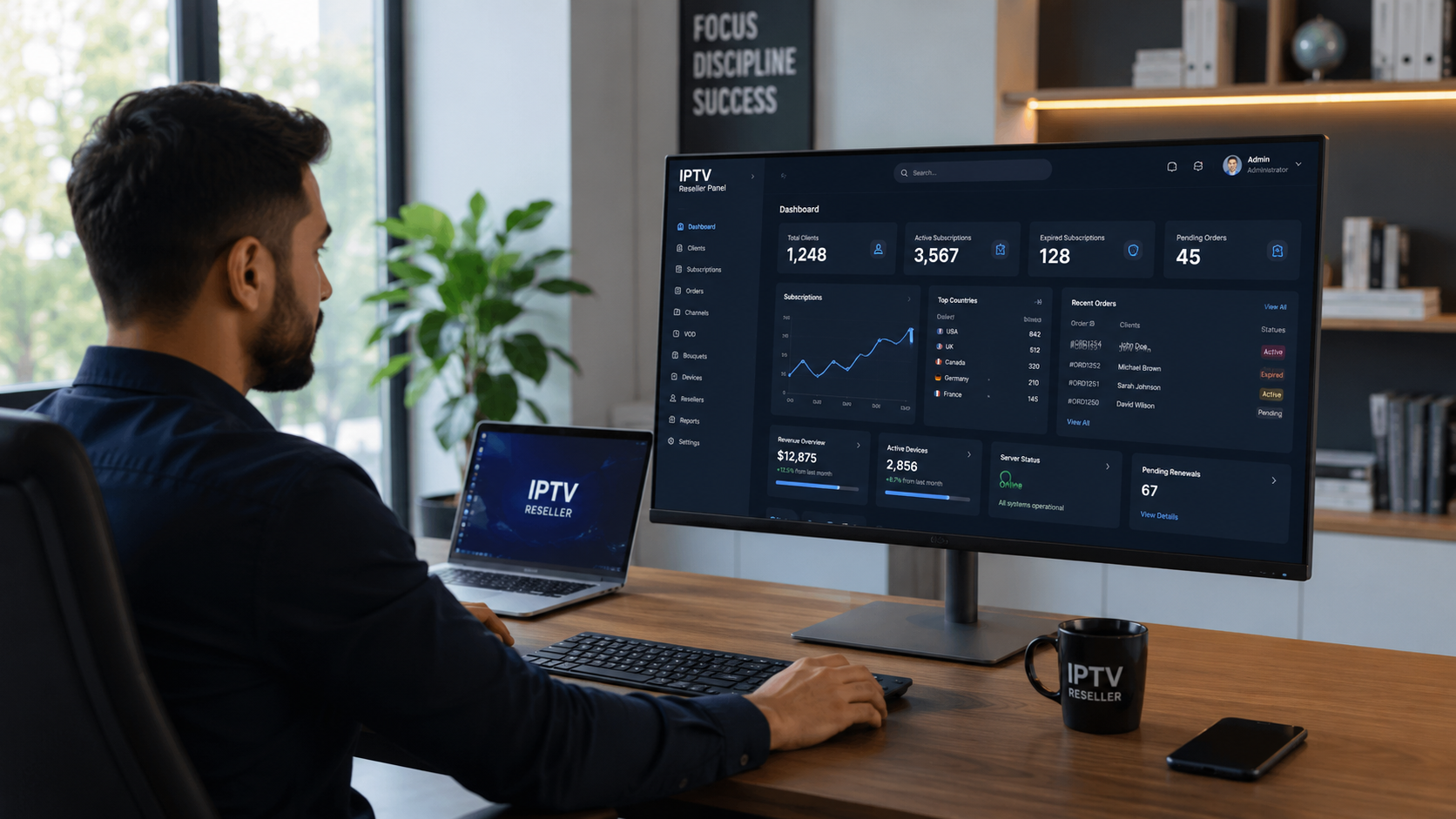
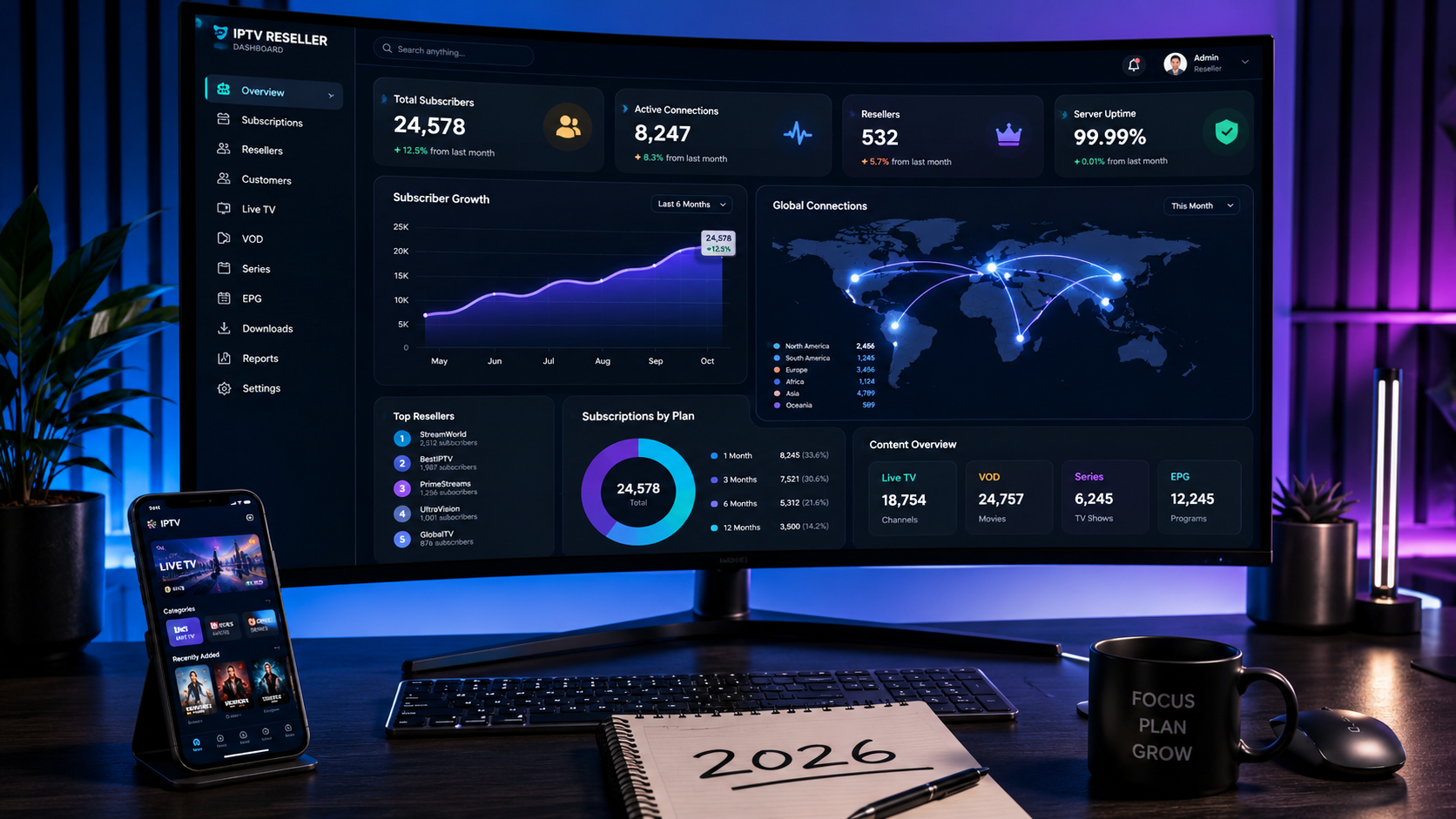
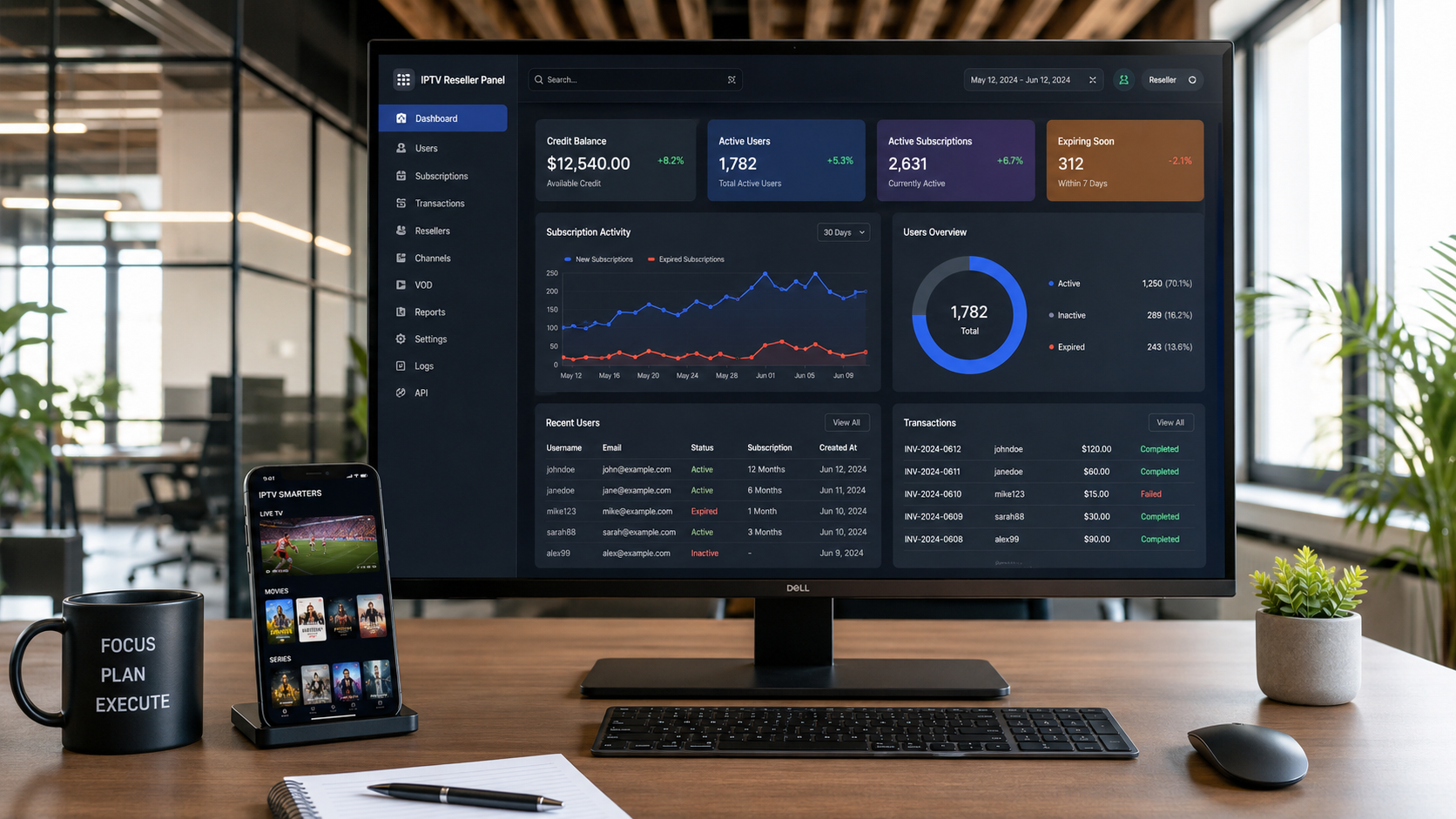
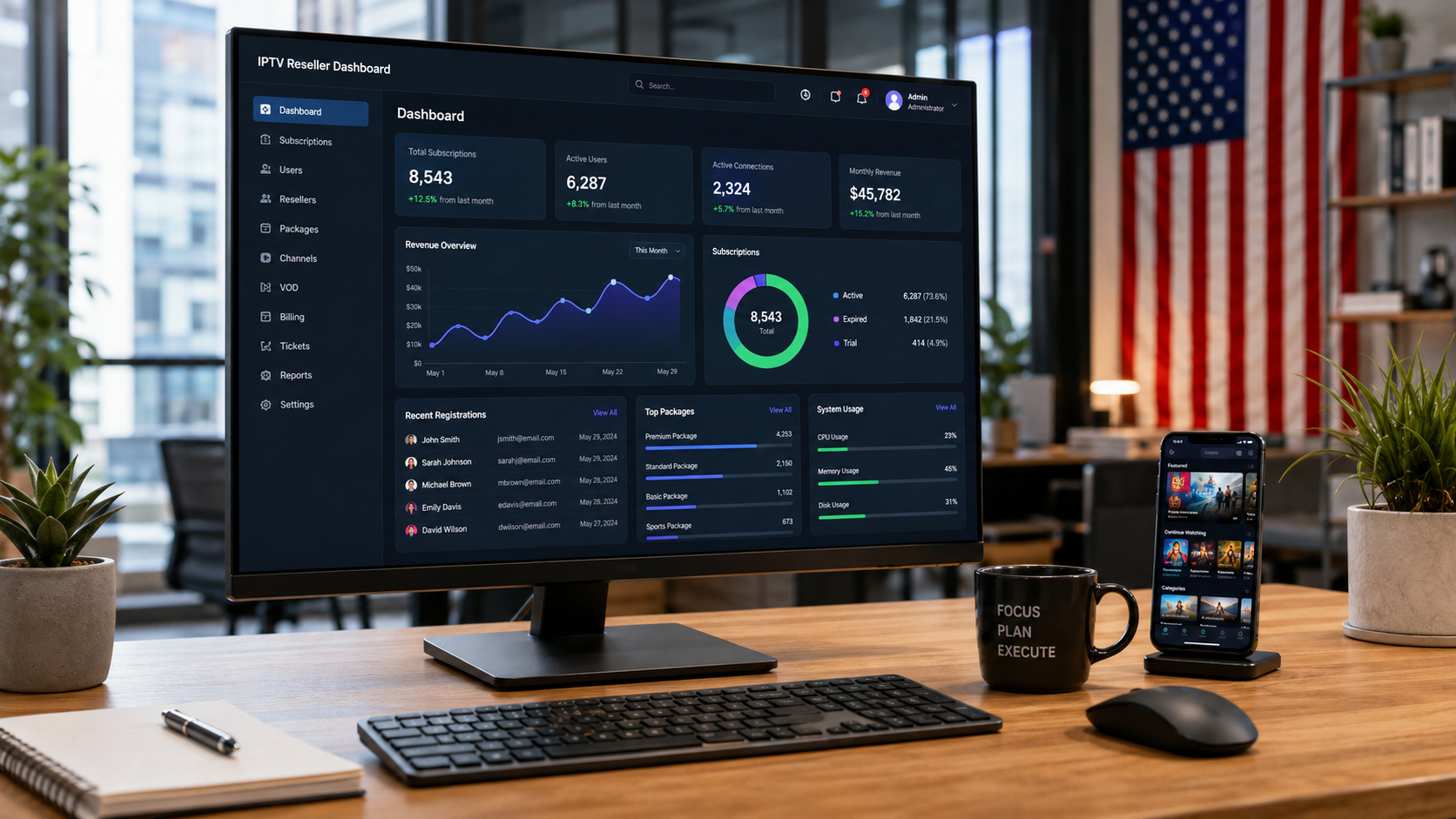
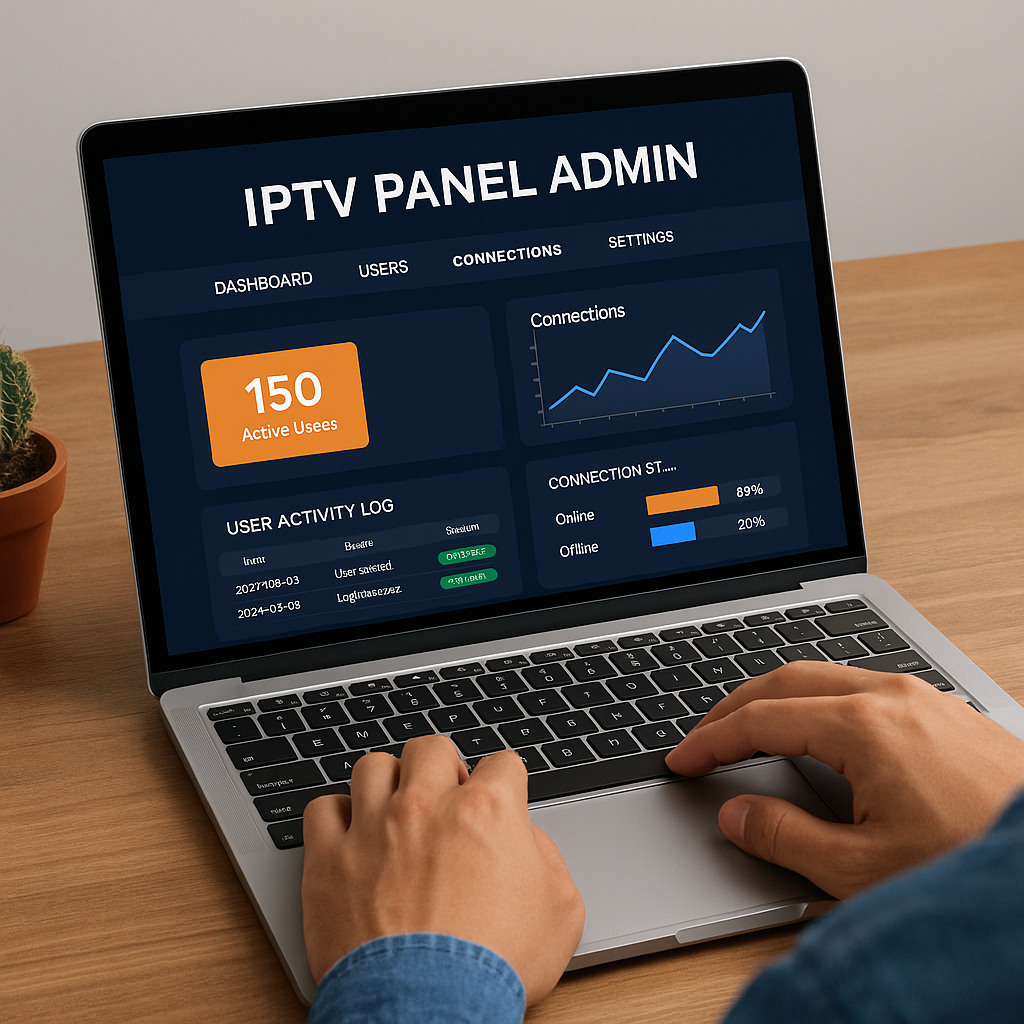
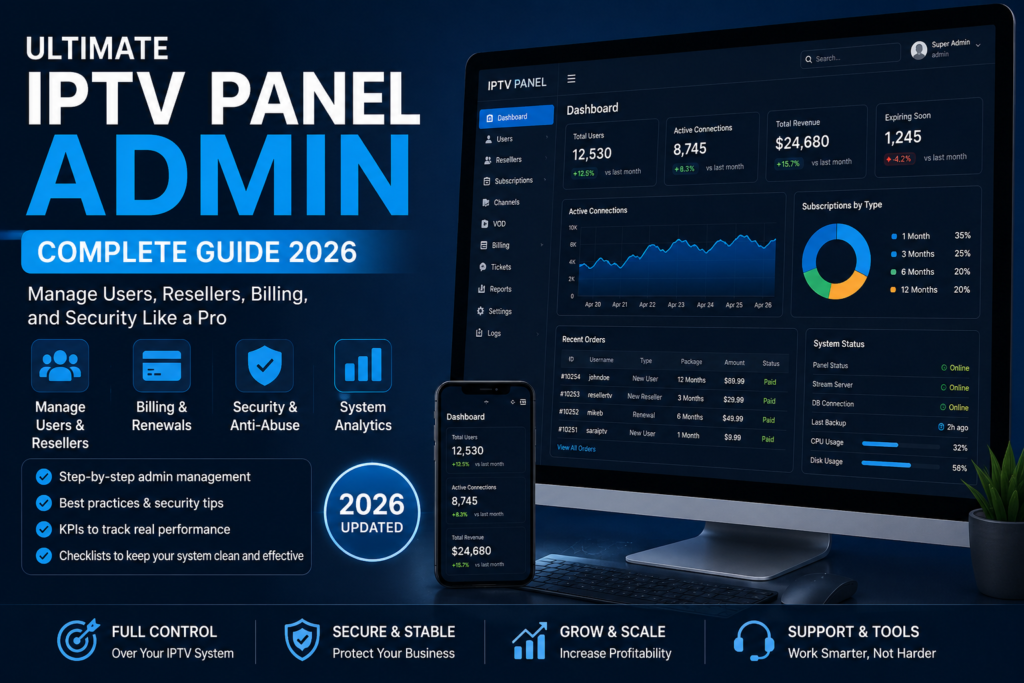
The dashboard is where the real work happens. Every iptv panel admin uses it daily to control and monitor the service. A good dashboard shows you everything at once without needing to click through endless menus.
Live Statistics and System Overview
The first thing an iptv panel admin sees is the live data panel. It offers a quick view of:
- Active Users: Total number of users currently online.
- Expired Accounts: Users whose service has ended.
- Online Connections: How many streams are running at the moment.
These stats help admins catch issues fast. If online users drop suddenly, something is wrong. If too many connections appear from one IP, it might be abuse. The dashboard helps spot all of this instantly.
Managing IPTV Users and Lines
A smart iptv panel admin knows that user control is more than just creating accounts. Here’s what needs regular attention:
- Trial Accounts: Often used to test the service. The admin should limit how many are given per IP or region.
- Paid Accounts: These are full access users. Their lines must be stable, monitored, and easily renewable.
- Renewals: The panel allows the admin to extend accounts manually or through automation tools.
- Packages: Admins set rules like number of channels, VOD access, and device limits per plan.
The user section is where admins prevent misuse, upsell upgrades, and keep churn rates low.
Connection Monitoring and Limits
A vital job for any iptv panel admin is controlling how users connect. Too many connections from one account mean risk.
Key tools include:
- Concurrent Connection Settings: Limits how many devices one user can stream from.
- Connection Map: Shows where users are connecting from in real-time.
- Kick User: A feature to force-logout a user if rules are broken or abuse is detected.
With proper use of these tools, an iptv panel admin can stop bandwidth abuse and protect server performance.
The dashboard is not just for checking stats. It’s a control center that helps admins keep the IPTV system strong, stable, and secure.
To help you test different subscription products before committing to a specific panel setup, we recommend exploring our range of premium offerings. The Pure IPTV 1-Month Subscription Access is an excellent entry point for new admins to test the market, while the Strong 8K Server 12 Months IPTV Subscription offers a premium option for customers who demand the highest quality. We also offer the Trex OTT Server 12 Months IPTV Subscription and the Dream 4K IPTV 12 Months Subscription for admins who want to offer diverse content libraries. These products give you a practical way to understand what sells before you scale your IPTV panel admin operations.
Reseller and Sub-Reseller Management
Managing resellers is a core duty for every iptv panel admin. Without strong reseller tools, your service can become messy, risky, and unscalable. This section breaks down how to handle resellers and sub-resellers with full control.
Creating and Managing Resellers
An iptv panel admin creates reseller accounts, assigns credits, and sets pricing rules. Each reseller gets their own login, and their access is limited based on what the admin allows.
Here are the key tools you need:
- Credit Allocation: Set how many credits a reseller can use to create user lines.
- Pricing Rules: Choose what resellers pay per connection or package.
- Permissions: Decide if they can create trials, manage renewals, or view stats.
If you are an iptv panel admin, it’s your job to stop resellers from overselling or stacking connections. You control how deep the chain goes and what each level can do.
Sub-Reseller Hierarchy Explained
Most platforms now support sub-resellers. This adds power but also risk. A skilled iptv panel admin sets clear limits and uses tracking tools to avoid abuse.
Here’s how a typical reseller structure looks:
| Role | Controls | Limits Set By | Credit Control |
|---|---|---|---|
| Admin | Full system | Not limited | Full access |
| Reseller | Sells to users | Set by admin | Fixed or refillable |
| Sub-Reseller | Sells through reseller | Set by reseller/admin | Shared from reseller |
Other tools include:
- Credit Logs: Track how credits move between levels.
- Multi-Level Settings: Prevent sub-resellers from creating more layers.
- Risk Control: Lock accounts showing unusual growth or credit usage.
An iptv panel admin who understands reseller chains can grow the business without losing control. Keep your system clean by using strict limits, tracking credit logs, and reviewing reseller activity regularly.
For admins who want to offer premium content options to their resellers, we recommend exploring our range of high-quality server panels. The Prime Plus Server 12 Months IPTV Subscription offers excellent performance for demanding customers, while the Apollo Group Panel provides extensive channel coverage. For admins looking to offer 4K content, the Zen 4K IPTV Reseller Panel is an excellent choice, and the Prime Plus Panel offers robust backend features. These options give you flexibility in building your product lineup from day one as you configure your IPTV panel admin settings.
IPTV Billing, Renewals, and Automation
Billing and renewals are often where IPTV services lose money. A well-organized iptv panel admin makes sure that users pay on time, trials convert into paid plans, and failed payments are handled fast. This section explains how to do that with both manual and automated systems.
Manual vs Automated Billing
Every iptv panel admin must choose between manual billing or automation tools. Each has its benefits, depending on the size of your operation.
Manual Billing Pros:
- Full control over each transaction
- Direct contact with users
- No external tools needed
Manual Billing Cons:
- Time-consuming
- Higher chance of missing payments
- Hard to scale
Automated Billing Pros:
- Runs 24/7 without admin input
- Reduces human errors
- Perfect for growing services
Automated Billing Cons:
- Needs setup time
- May require plugins or extra tools
An experienced iptv panel admin often starts with manual billing, then moves to automation as the user base grows.
IPTV Panel Automation Options
Automation lets the iptv panel admin save hours of work. These are the most used tools:
- WooCommerce: Helps sell IPTV subscriptions through a WordPress site.
- WordPress: Can connect to your panel using API tools and billing plugins.
- WHMCS: A powerful system for billing, ticketing, and client management. Many IPTV panels support WHMCS directly.
By using automation, the iptv panel admin can send invoices, accept payments, and renew accounts with no manual steps.
Renewal Notifications and Failed Payments
Good service means users never get cut off without warning. A smart iptv panel admin sets up renewal messages and reacts to failed payments quickly.
Best practices include:
- Auto Reminders: Send emails or messages before the account expires.
- Trial-to-Paid Conversions: Offer discounts or auto-upgrade options at the end of trials.
- Payment Retry Rules: If a payment fails, try again after a short delay.
These actions help the iptv panel admin keep income steady and reduce lost users. Billing is more than just payments. It’s part of user experience and service quality.
For admins who want to learn from the experiences of other operators and optimize their billing workflows, we offer community perspectives through our IPTV Reseller Reddit Guide 2025 and practical advice through our Top 10 IPTV Reseller Tips . We also provide insights into the broader market with our IPTV Service Provider in 2026 analysis and our Best IPTV Service and Reseller Panels guide. For admins targeting the US market, our Best IPTV Providers in the USA and Trusted IPTV Reseller in USA guides offer valuable insights. Learning from others’ experiences helps you optimize your iptv panel admin billing systems.
Logs, Reports, and Admin Control Tools
A skilled iptv panel admin never guesses. They rely on logs and reports to understand what’s really happening inside the system. This section explains how to use logs to stay in control, detect abuse, and improve service quality.
Activity Logs Explained
The activity log is one of the most important tools in the admin dashboard. Every time something happens in the panel, the system records it. A good iptv panel admin checks these records regularly to prevent problems before they grow.
Key log types include:
- Login Logs: Show who logged in, from where, and when. Helps detect unauthorized access.
- Credit Logs: Record how many credits were used, transferred, or lost.
- User Action History: Tracks what users and resellers do inside the system. Useful for resolving disputes.
Logs provide full visibility. If something breaks or goes missing, the logs tell the full story.
Using Logs for Fraud Prevention
Fraud is a real threat in IPTV services. Many resellers try to abuse the system. Without proper tracking, these risks go unnoticed. A proactive iptv panel admin uses logs to spot and stop this behavior fast.
Here’s how logs help stop fraud:
- Abuse Detection: Sudden credit use, mass account creation, or login spikes often signal abuse.
- Multi-Login Detection: If one account is streaming from multiple IPs at once, it may be shared illegally.
- Blocked IP Reports: Logs can show how many times a banned user tries to access the panel.
The more your panel grows, the more important logs become. An organized iptv panel admin checks these daily and uses filters to track patterns.
By mastering logs, you don’t just react. You take full control. Logs turn your IPTV panel into a system you can trust and grow.
For admins who want to maximize their system’s potential with premium monitoring tools, we offer specialized panels for different operational needs. The Crystal OTT Server Panel provides excellent streaming quality and logging capabilities, while the Pure 12 Month Subscription offers a reliable long-term option for value-conscious admins. For admins targeting the premium sports market, the Strong 8K Panel delivers exceptional performance. Additionally, the Cobra IPTV Panel and the King 365 Panel offer robust admin features. These products give you the flexibility to build a well-monitored IPTV panel admin system.
IPTV Panel Admin Security Best Practices
Security is one of the most overlooked parts of managing an IPTV system. Many providers rely on default settings, which leaves them open to attacks and service disruption. A responsible iptv panel admin takes clear steps to protect the platform, data, and users.
Essential IPTV Security Features
Every IPTV panel comes with security features, but they only work if the admin uses them correctly. A sharp iptv panel admin turns these tools into daily habits.
Must-have features include:
- Brute Force Protection: Stops repeated login attempts from bots or attackers.
- API Rate Limiting: Controls how often external systems can connect to your panel.
- Encryption: Keeps user data and server info hidden from outside threats.
- Backups: Creates full system copies that can be restored if something goes wrong.
- DDoS Protection: Filters fake traffic before it reaches your servers.
These features are standard on most top IPTV panels. But turning them on is just the start. What the iptv panel admin does next matters more.
What an Admin Should Actually Do (Not Just Features)
Security tools only work when they are used properly. That’s why real protection comes from daily actions. A careful iptv panel admin creates clear rules and routines.
Here’s what every admin should be doing:
- Password Policies: Force strong passwords and regular changes for all users and resellers.
- IP Restrictions: Limit access to the panel based on trusted locations only.
- Backup Schedules: Store clean copies of the panel regularly in safe, offline locations.
- Log Reviews: Check login logs, credit use, and suspicious actions at least once a day.
- Update Checks: Keep all panel components and plugins updated to close known security holes.
Security is not a one-time task. For an iptv panel admin, it’s part of the daily workflow. These actions protect your users, keep your service running, and help you build a platform that grows with trust.
For admins who want to ensure their IPTV panel admin operations are fully secure and optimized for growth, we offer specialized guidance on multi-device management and backend infrastructure. Our article on the IPTV Panel for Multiple Devices explains how to manage subscriptions across different platforms, while our IPTV Smarters guide provides detailed instructions on using one of the most popular applications. We also cover the technical infrastructure behind IPTV Encoders for Resellers and provide insights into Trusted IPTV Server Software Guide . These resources ensure your iptv panel admin system has the security and operational foundation it needs to scale successfully.
Key Performance Indicators Every IPTV Panel Admin Must Track
Running an IPTV service without tracking results is like flying blind. A smart iptv panel admin uses key performance indicators to measure success, find weak spots, and plan the next move. This section covers the most useful KPIs that admins should watch weekly and monthly.
User and Revenue KPIs
The health of your IPTV business depends on users staying active and paying regularly. These are the numbers every iptv panel admin should track:
- Churn Rate: How many users leave after their subscription ends. A high churn rate signals poor service or weak support.
- Renewal Rate: Shows how many users choose to extend their accounts. A strong renewal rate means users are satisfied.
- Trial Conversion: Measures how many trial users upgrade to paid accounts. This reflects the value of your first impression.
- Average Revenue per User (ARPU): Calculates how much money each user brings in. This helps plan growth and pricing.
These indicators help the iptv panel admin focus on real performance, not just account numbers.
Technical KPIs
Technical issues can ruin user experience. That’s why a skilled iptv panel admin tracks system stability with simple but powerful metrics:
- Peak Concurrency: The highest number of active users at the same time. Helps check if your servers can handle traffic.
- Downtime: Total time your service was offline or not working as expected. Less downtime means better reliability.
- Stream Stability: Measures buffering, lag, or stream drops. Directly affects how users rate your service.
Here is a quick table for tracking:
| KPI | What It Tells You | Target Range |
|---|---|---|
| Churn Rate | Customer loss | Under 10% monthly |
| Renewal Rate | User loyalty | Over 75% preferred |
| Trial Conversion | First-time user quality | Over 30% |
| Peak Concurrency | System load | Match server capacity |
| Downtime | Reliability | Under 1% per month |
| Stream Stability Score | User experience | 95% or higher |
Every iptv panel admin should check these numbers often. They reveal more than basic stats. They show how well your service is really performing.
For entrepreneurs who want to build a sustainable business with the right panel admin tools, we offer comprehensive resources on long-term growth. Our IPTV Control Panel Complete Guide 2026 and IPTV Service Provider in 2026 analysis offer forward-looking perspectives on where the industry is heading. We also provide region-specific guidance through our IPTV Reseller Service USA 2026 and IPTV Canada 2026 Best Services articles. Additionally, our Profitable IPTV Business Ideas article provides inspiration for scaling your venture. Whatever your goals, we have the resources to help you build a lasting and profitable IPTV panel admin system.
Common IPTV Admin Mistakes (And How to Avoid Them)
Even skilled admins make errors that damage service quality or lead to user loss. A strong iptv panel admin learns what to avoid just as much as what to do. This section highlights the most common mistakes and how to stay clear of them.
Operational Mistakes
Mistakes in daily operations can lead to downtime, support overload, or lost income. A smart iptv panel admin prevents these with simple habits.
- Overselling Connections: Selling more lines than your server can handle leads to lag and stream crashes. Always know your limit.
- No Expiry Management: Letting expired users stay active eats up bandwidth and reduces income. Set auto-expiry rules and check them daily.
- Weak Reseller Controls: Giving resellers too much freedom often leads to abuse. Set clear limits and track credit logs.
- Ignoring System Updates: Skipping updates puts your panel at risk. Update regularly to stay secure and stable.
An alert iptv panel admin reviews operations weekly to catch these issues early.
Security Mistakes
Security errors can cost you more than users. They can bring down the whole system. Every iptv panel admin should watch for these red flags:
- No Daily Backups: Without backups, one error or crash could wipe out your system. Set daily schedules and test them monthly.
- Missing Logs: If logging is disabled, you can’t trace problems. Keep login and credit logs active and review them often.
- Shared Access Accounts: Admins and resellers should have separate logins. Shared access makes it impossible to trace actions.
- Default Credentials: Leaving default usernames or passwords makes it easy for bots to break in. Change all login data after setup.
Avoiding these mistakes keeps your IPTV service clean, secure, and user-friendly. A professional iptv panel admin always checks systems, learns from patterns, and fixes problems before they grow.
How to Choose the Best IPTV Panel Admin Solution
Choosing the right platform is one of the most important tasks for any iptv panel admin. The wrong choice leads to support problems, downtime, or lost users. This section shows how to pick the best panel based on real needs, not hype.
Self-Hosted vs SaaS Panels
There are two main types of IPTV panel solutions. Each works best for different goals. A careful iptv panel admin compares both before making a decision.
| Feature | Self-Hosted Panel | SaaS-Based Panel |
|---|---|---|
| Setup Control | Full setup by the admin | Ready to use, no server setup needed |
| Maintenance | Manual updates and fixes | Updates handled by provider |
| Customization | High, if you know how | Limited customization |
| Cost Structure | One-time or monthly server cost | Monthly subscription fee |
| Security Management | Fully managed by the iptv panel admin | Built-in, but admin still responsible |
| Scalability | Based on server limits | Scales with subscription plan |
A small operation might prefer SaaS. A large or technical team may go with self-hosted for more control.
What to Ask a Panel Provider
Before choosing a panel, an iptv panel admin should ask key questions. These help avoid problems down the road.
Ask about:
- Support Access: Is support available daily? Through ticket, live chat, or email?
- Security Tools: Does the panel include encryption, brute force protection, and logs?
- Update Cycle: How often are bugs fixed or features added?
- Migration Help: Can they help move your current users or settings to their system?
- Scalability Options: Can the platform handle growth as your service expands?
A smart iptv panel admin does not just look at features. They check long-term value, support quality, and the ability to grow with the platform. Making the right choice now saves hours of work later.
IPTV Panel Admin Checklist (Quick Reference)
Running an IPTV system is complex, but a smart iptv panel admin keeps things organized. This checklist covers the core tasks needed to keep everything running smoothly. Use it daily, weekly, or when setting up a new system.
✅ User Setup
- Create user accounts with clear expiry dates
- Assign correct packages and device limits
- Monitor trial-to-paid conversions
- Limit the number of active trials per IP
✅ Security Tasks
- Change default login credentials
- Enable brute force protection and API limits
- Set up automatic daily backups
- Review login and action logs for red flags
✅ Reseller Management
- Approve only trusted resellers
- Set clear credit and package rules
- Limit sub-reseller depth
- Track credit use weekly
✅ Billing and Renewals
- Send renewal alerts before expiry
- Convert trial accounts to paid plans
- Use WHMCS or WooCommerce for automation
- Track failed payments and follow up
✅ Monitoring and Logs
- Check peak connection times
- Monitor concurrent streams
- Kick suspicious connections
- Review logs for unusual behavior
This checklist helps the iptv panel admin stay in full control of operations, security, and growth. Save it, print it, or use it as part of your standard operating process. A consistent routine is what separates weak systems from strong ones.
Frequently Asked Questions About IPTV Panel Admin
This section answers the most searched questions related to the iptv panel admin role. These answers help users understand the basics, boost search visibility, and target featured snippets.
What is an IPTV panel admin?
An iptv panel admin is the person responsible for managing the entire IPTV platform. This includes user creation, reseller control, billing setup, monitoring, and security. The admin has full access to all system features and tools.
Is an IPTV admin panel secure?
Security depends on how the iptv panel admin configures the panel. Features like brute force protection, encryption, and IP blocking can protect the system, but they must be activated and monitored regularly.
Can I automate IPTV renewals?
Yes. A well-configured iptv panel admin setup can use tools like WHMCS, WooCommerce, or API-based systems to automate user renewals, billing reminders, and failed payment handling.
What is the difference between admin and reseller panel?
The iptv panel admin has full access, including managing resellers, packages, and system settings. A reseller panel only allows user creation, limited tracking, and credit use. Admins manage resellers. Resellers cannot manage admins.
Which IPTV panel is best for resellers?
The best panel for resellers is one that gives them clear limits, logs, and a smooth dashboard. However, the iptv panel admin must first approve and configure reseller permissions to avoid misuse.
Conclusion
Being an iptv panel admin means taking full responsibility for your platform’s success. It is more than just creating accounts or managing resellers. It involves handling security, automation, billing, KPIs, and daily performance with care and accuracy.
The most successful IPTV systems are run by admins who track numbers, understand user behavior, and fix problems before they grow. If you follow the checklists, use logs, manage roles correctly, and apply clear controls, your panel will stay stable and profitable.
Remember, a strong iptv panel admin knows how to balance automation with manual checks, resellers with limits, and speed with security. Growth is not only about selling more lines. It is about running a clean, trusted system that lasts.
If you want to improve your setup, download the admin checklist, book a demo, or explore tools that help your role. The more control you gain as an iptv panel admin, the more your platform can scale with confidence.