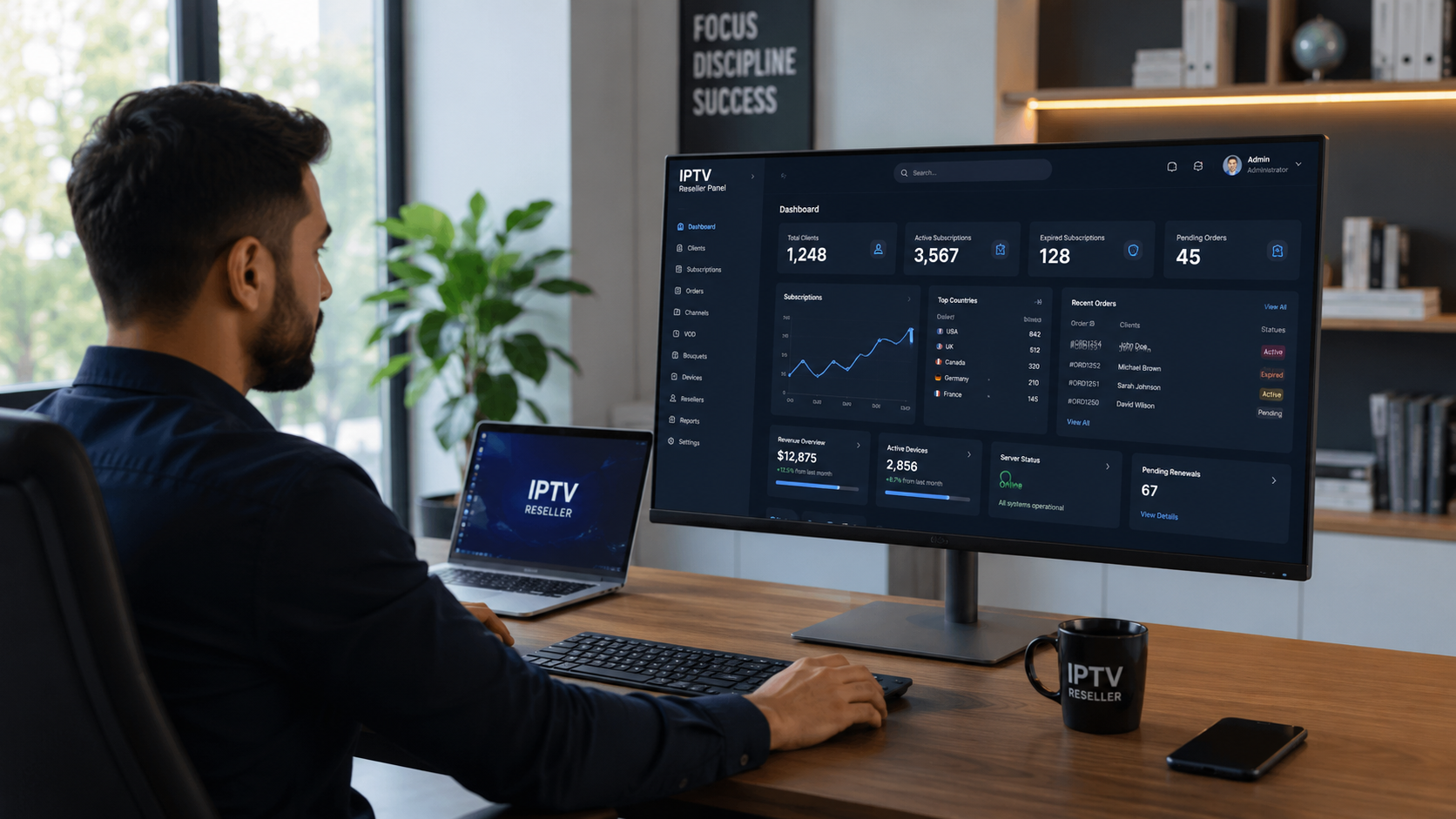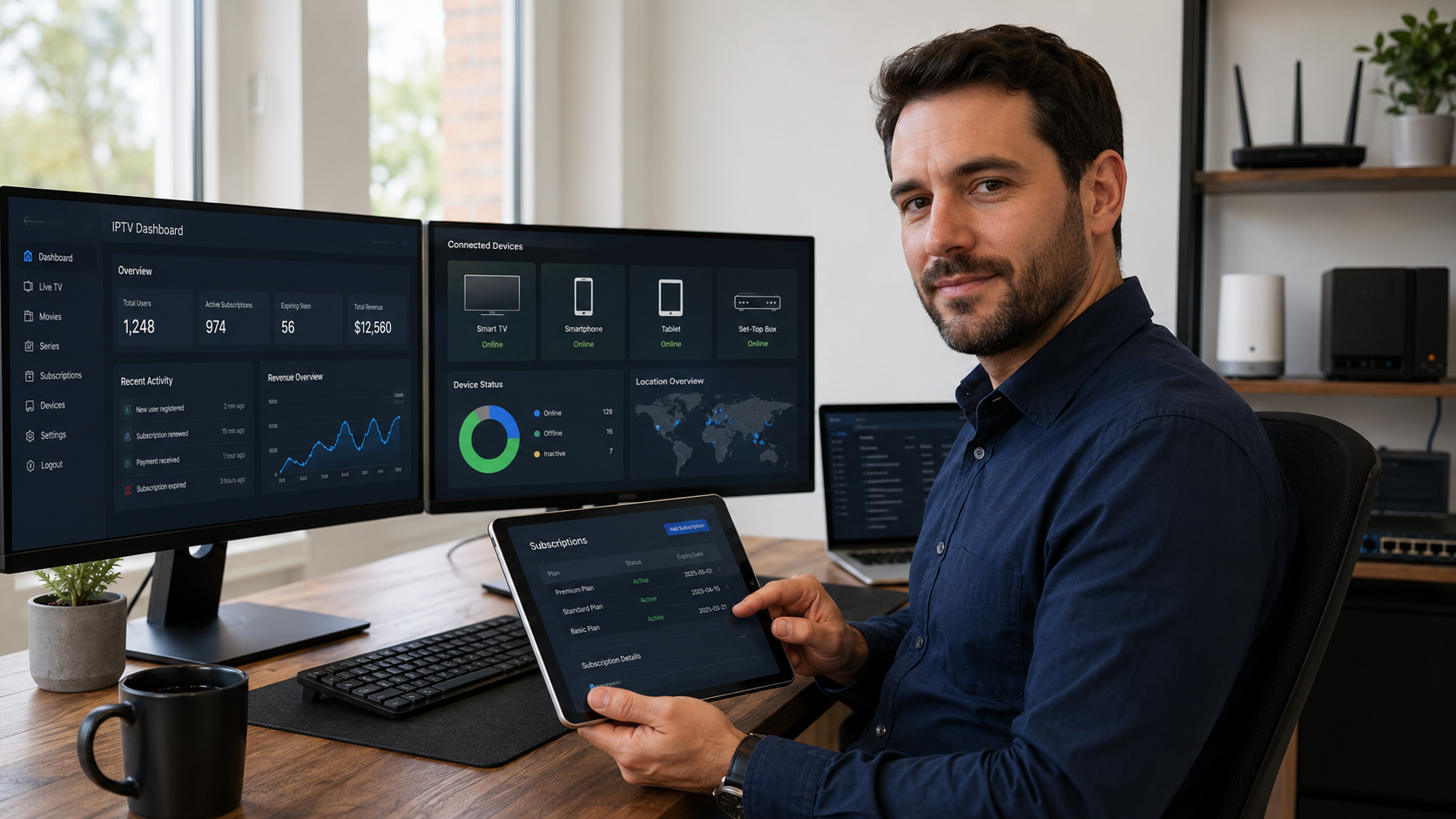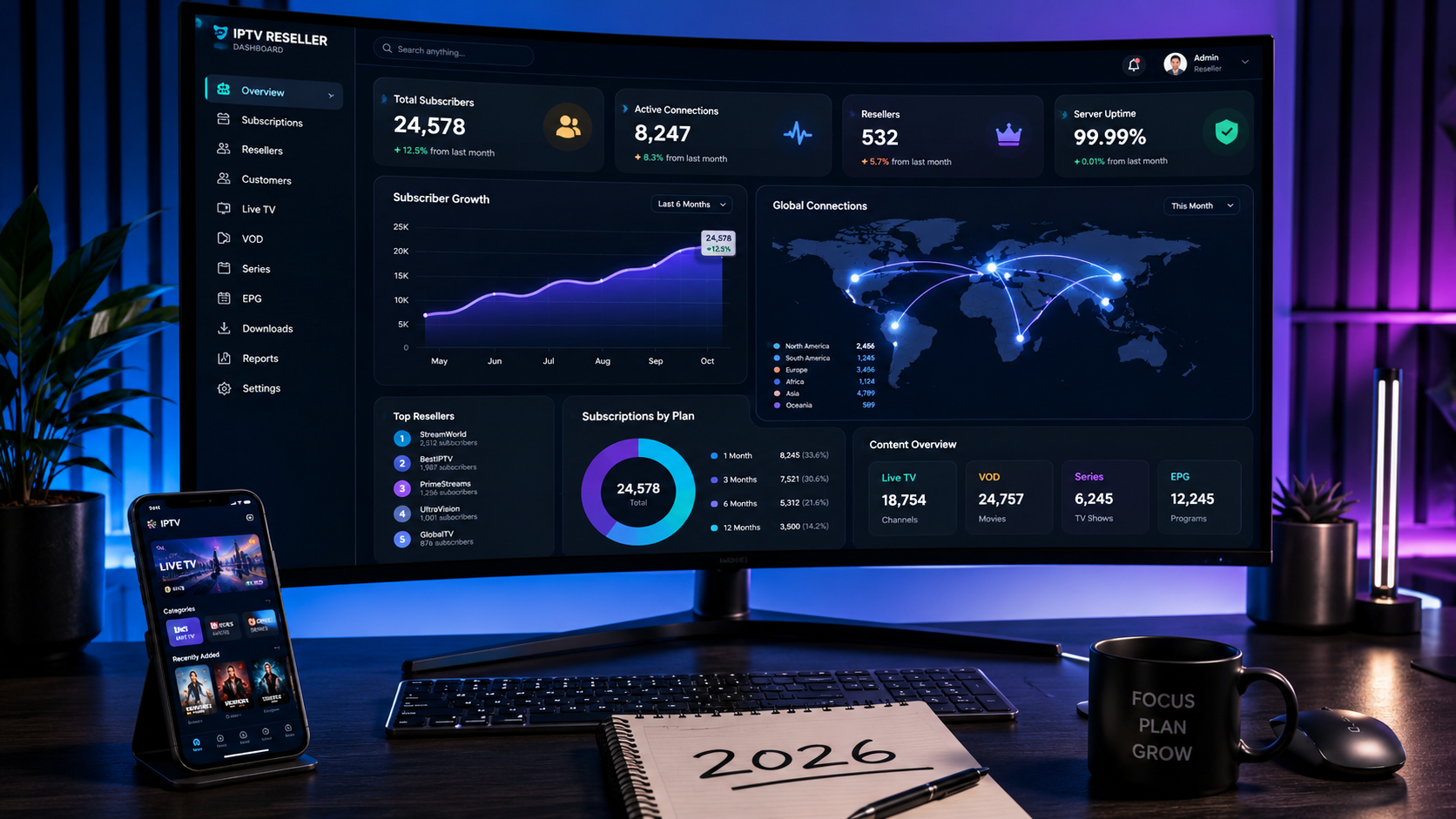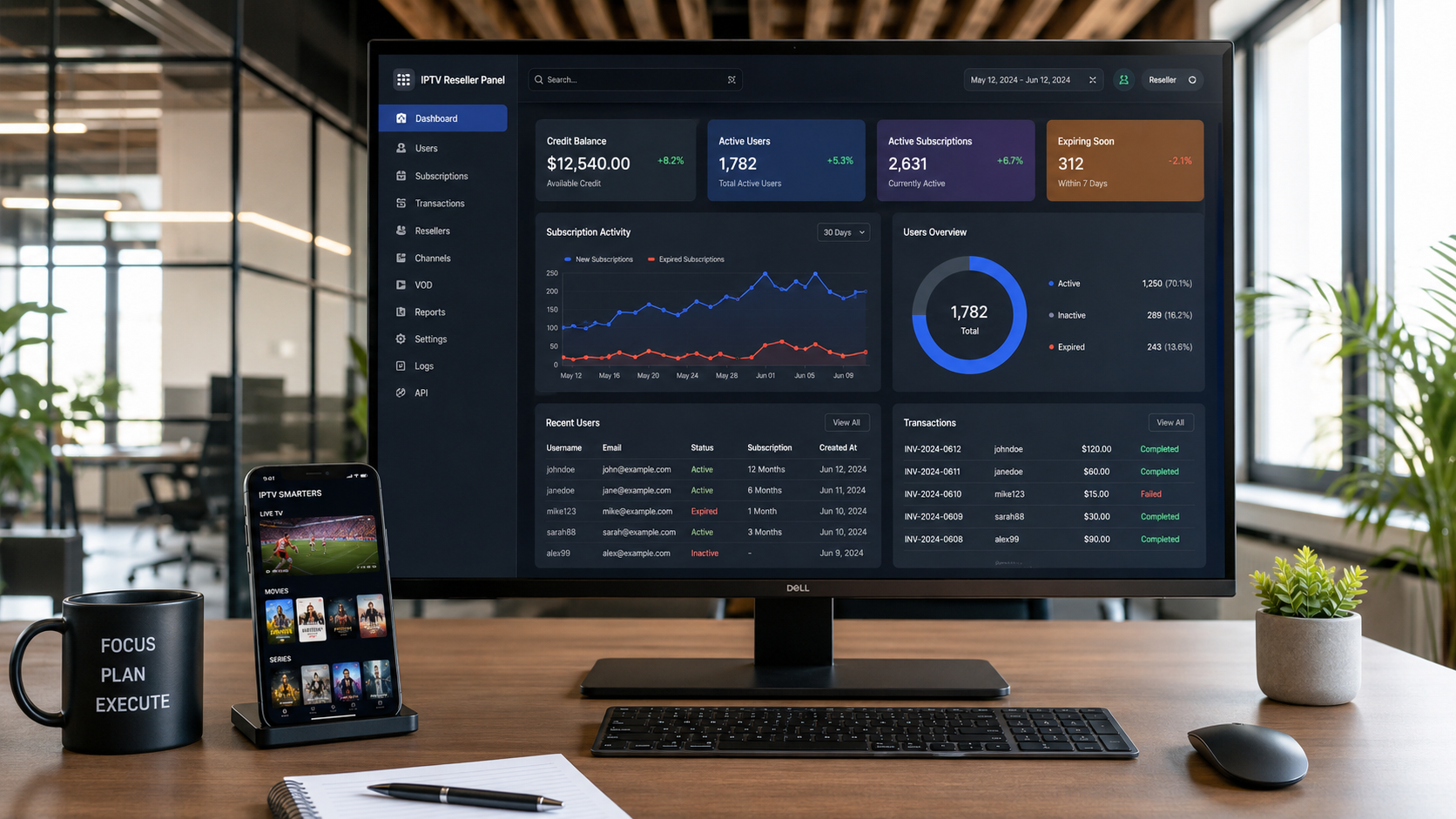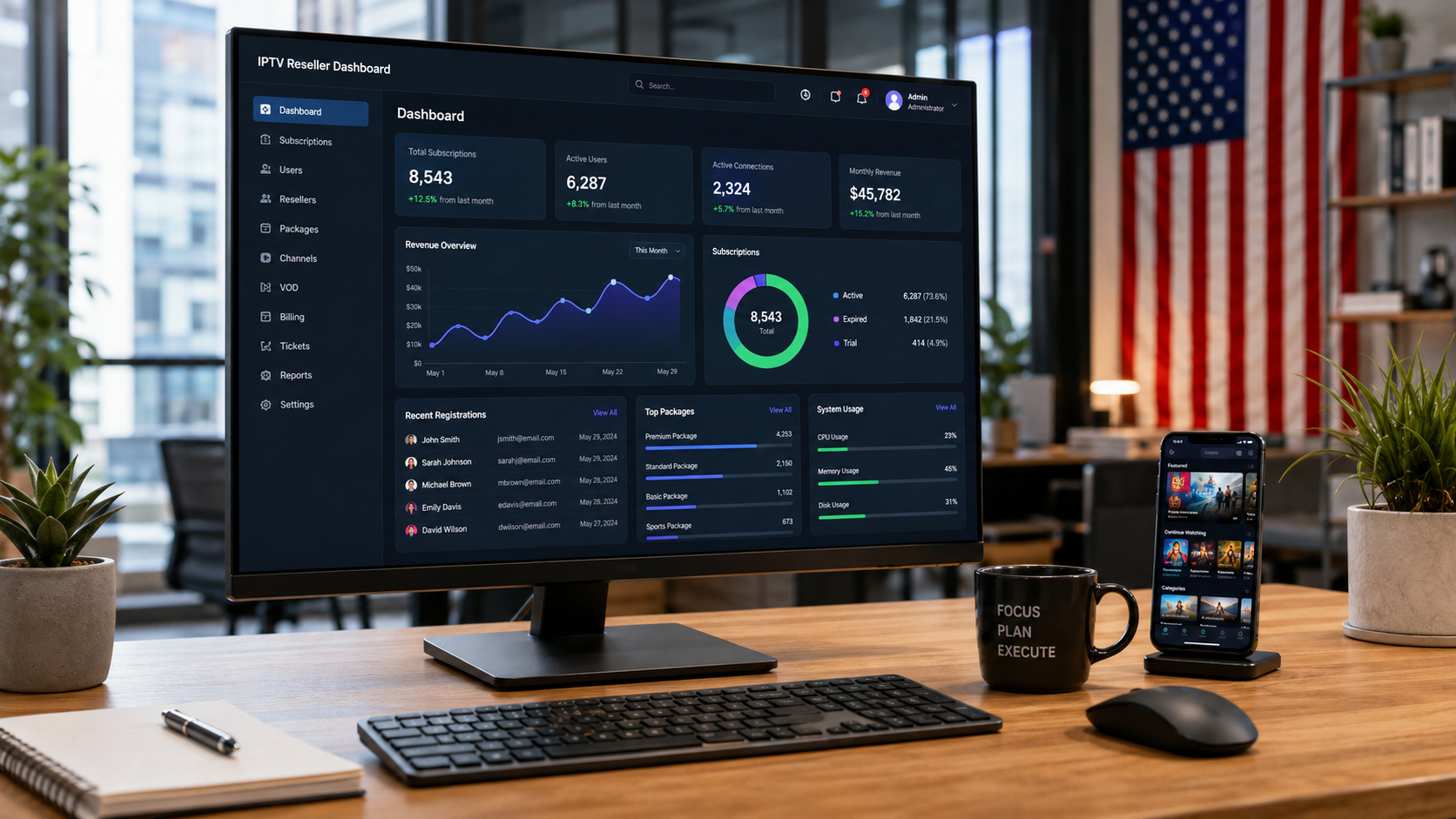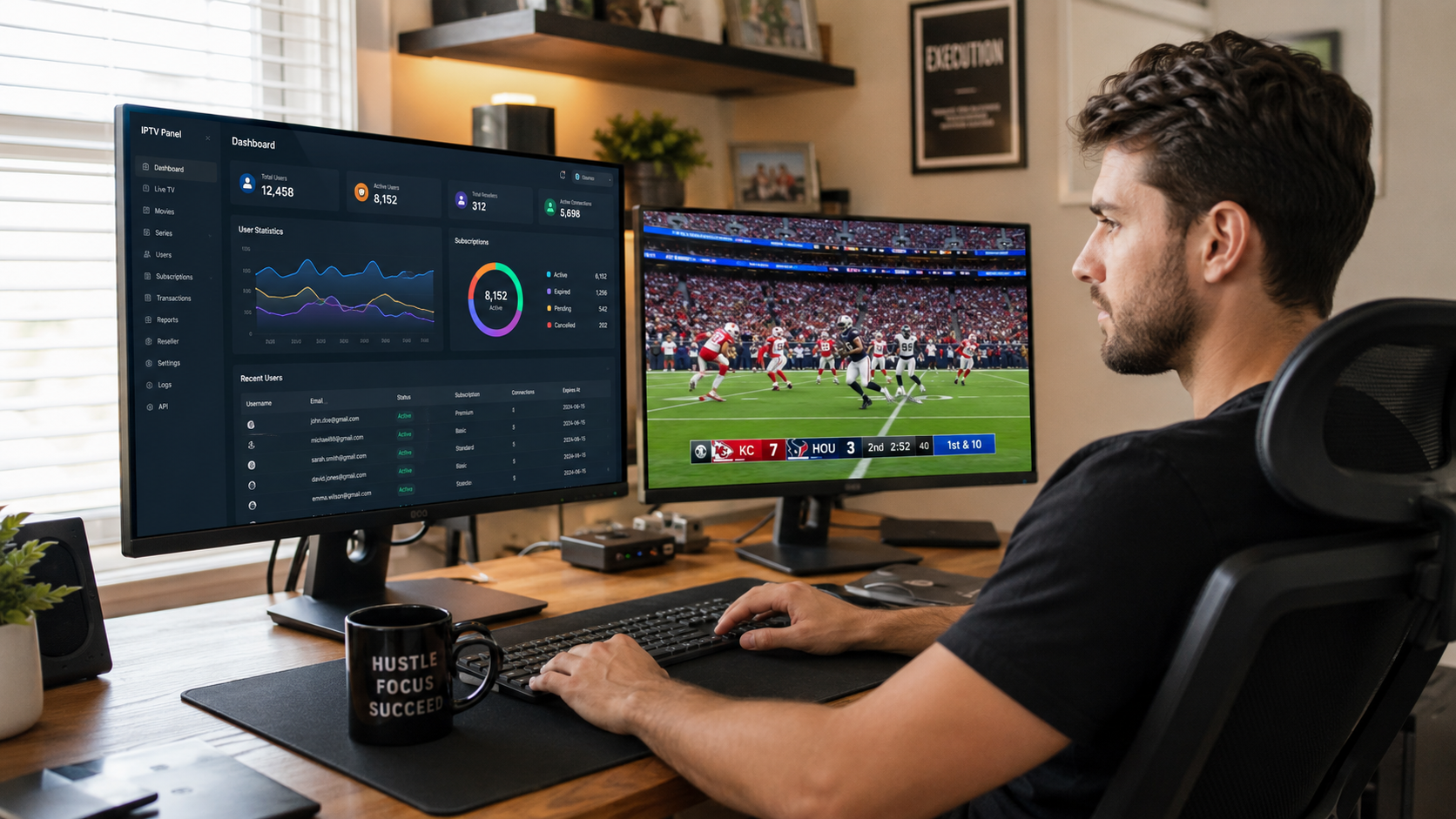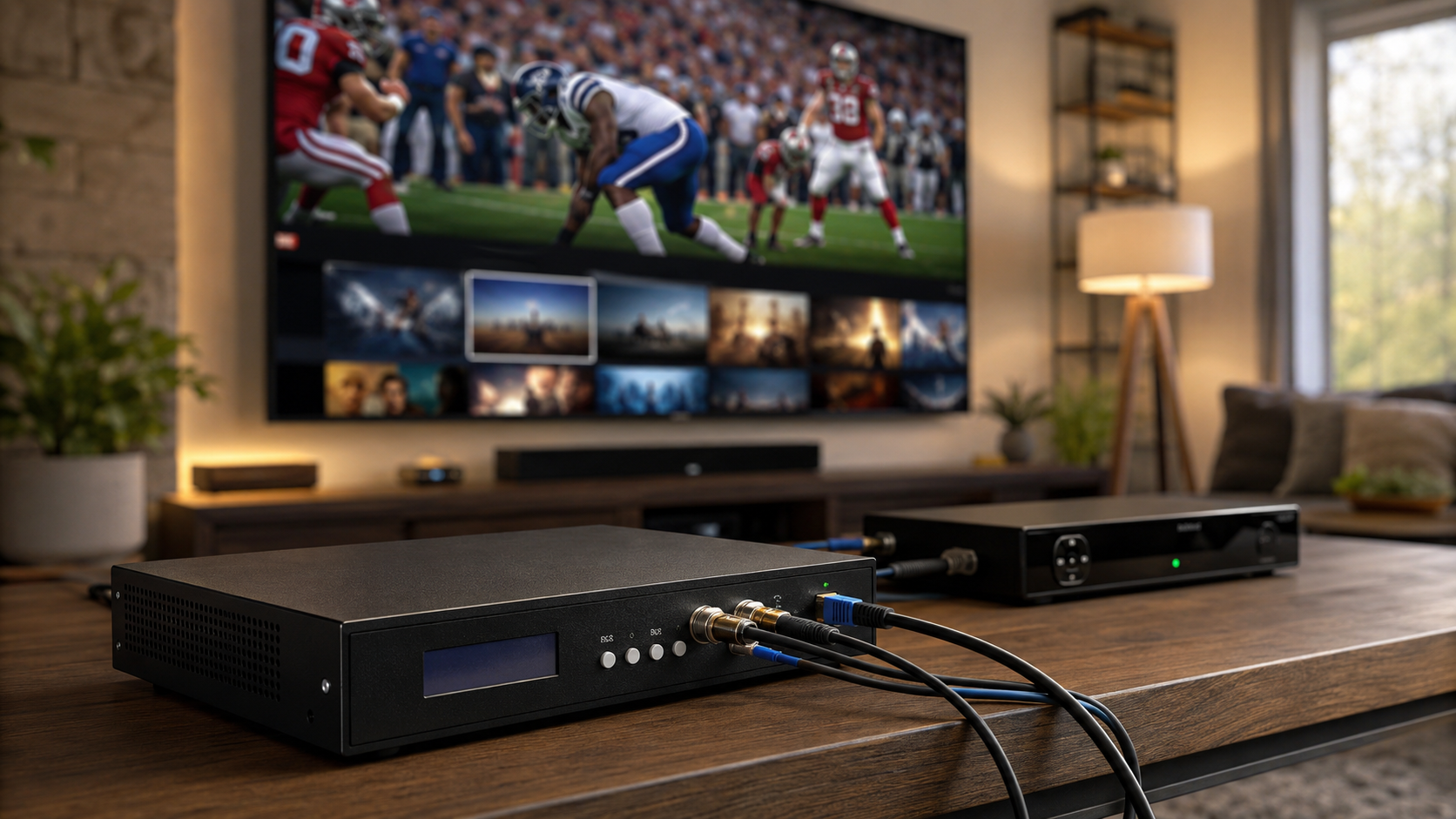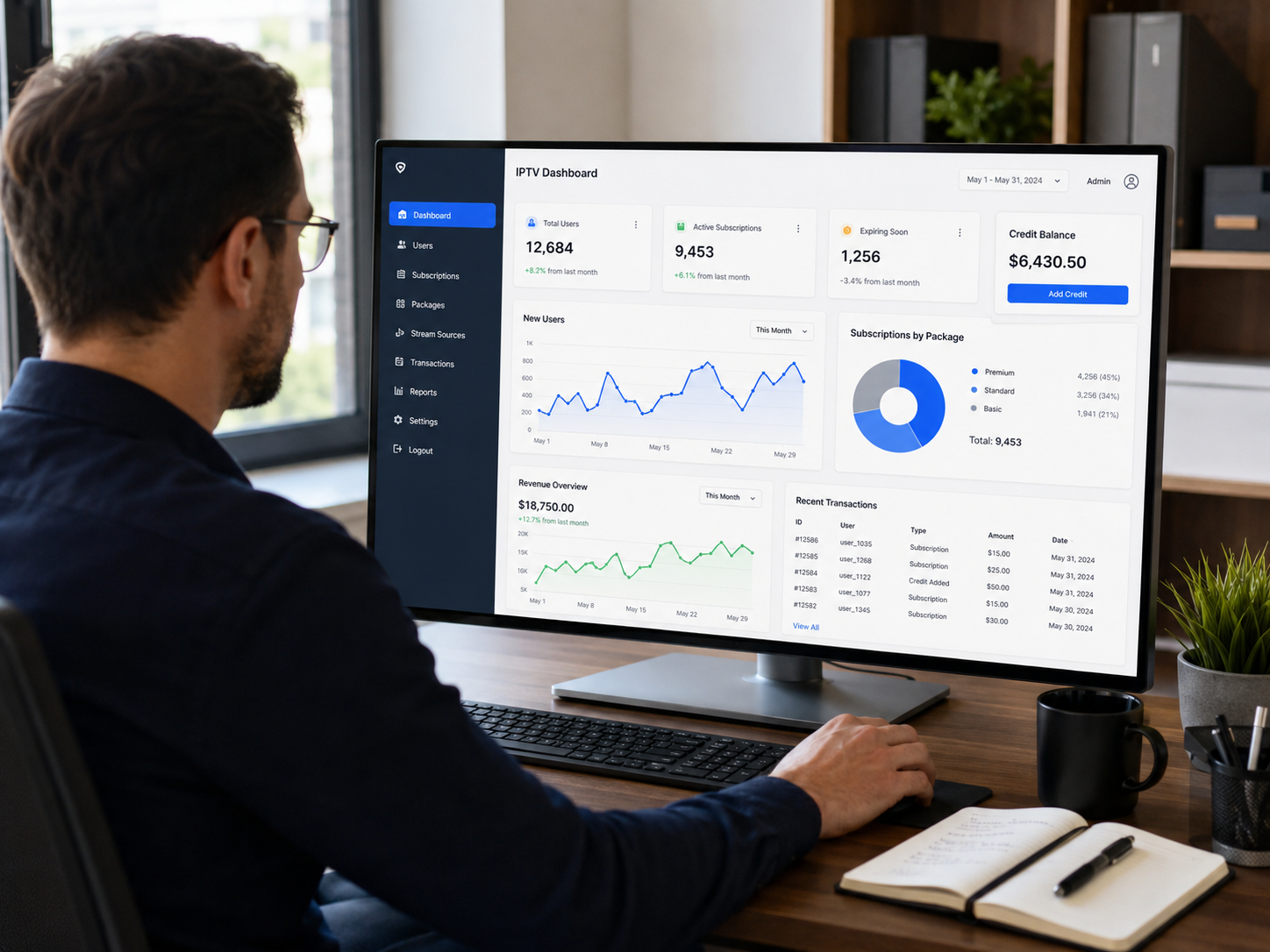

An IPTV control panel is the central software used to manage and operate Internet Protocol Television services. It allows resellers, admins, and IPTV providers to control user access, handle subscriptions, monitor streaming, and organize content efficiently. Whether you’re running a small reselling business or managing large-scale IPTV infrastructure, the iptv control panel is the brain of the entire system.
Some refer to it as an IPTV panel, reseller panel, or admin panel, but the function remains the same. It provides a single place where you can manage users, control connections, assign channels, and track system performance. For many IPTV businesses, this tool replaces scattered tasks with a single dashboard that keeps everything organized.
The iptv control panel solves major problems for IPTV operators. Without it, user management, subscription renewals, or channel assignments become time-consuming and messy. With a well-built panel, you save time, prevent errors, and scale your service with ease. From account creation to live channel distribution, everything runs through this panel.
In this guide, you’ll learn exactly what an iptv control panel is, how it works, and what features it should include. We’ll explain the difference between panels, portals, and middleware. You’ll also see what separates beginner-friendly panels from professional systems. This article is designed to help you make smart choices, whether you’re just starting or upgrading your IPTV setup.
Table of Contents
What Is an IPTV Control Panel?
Simple Definition (Non-Technical)
An iptv control panel is a software tool used to manage IPTV services. It helps control user accounts, assign channels, monitor streams, and organize subscription packages. Instead of doing everything manually, the iptv control panel gives you one place to handle it all.
Think of it as a command center. You can see who is watching, which channels are active, and how your servers are performing. For resellers and admins, it replaces confusion with clear, easy-to-use options.
What an IPTV Control Panel Is Used For
An iptv control panel is mainly used to:
- Create and manage user accounts
- Control how many connections a user can have
- Set up subscription plans and trial accounts
- Add or remove channel groups (also called bouquets)
- Handle video on demand (VOD) and live TV
- Monitor server usage and performance
It also helps keep track of renewals and expiration dates. This means you don’t have to guess who needs to pay or when an account should expire.
Who Uses an IPTV Control Panel
The iptv control panel is used by:
- IPTV resellers who sell services to end users
- Service providers who manage the full IPTV system
- Business owners who run private IPTV networks
- Admins who need to monitor server health and performance
Whether you’re a beginner or a pro, the iptv control panel is a must if you want to stay organized and scale your service.
Before you dive into the technical details of control panels, it is essential to understand the fundamentals of how IPTV works and what makes a service viable for managing. Our comprehensive guide on What is IPTV? provides essential context for anyone entering this space, while our detailed analysis of Is IPTV Legal? helps you navigate the regulatory landscape—critical knowledge for any control panel operator building a sustainable business. For those who want to understand the technical infrastructure, our article on the IPTV Encoder Box offers valuable insights. Building a solid foundation of knowledge is the first step toward mastering the iptv control panel.
IPTV Control Panel vs IPTV Panel vs IPTV Portal
IPTV Control Panel Explained
An iptv control panel is the complete system used to manage users, content, and subscriptions. It gives full access to core features like user creation, connection limits, content grouping, and server monitoring. This tool is built for both resellers and service providers who need full control over how IPTV services are delivered and maintained.
The iptv control panel often includes everything from package setup to advanced security rules. It is the main platform where most daily actions are handled.
IPTV Portal Explained
An IPTV portal is different. It is the user-facing side of the service. This is where subscribers log in to watch content. The portal is often linked to apps or set-top boxes. While the iptv control panel manages what users see, the portal is where users actually view the streams.
The portal does not control accounts or create packages. It simply shows what the control panel has allowed.
IPTV Reseller Panel Explained
An IPTV reseller panel is a limited version of the main iptv control panel. It allows resellers to create and manage accounts under their own brand. Reseller panels usually come with fewer features. They are focused on selling subscriptions, generating trials, and assigning channel lists.
Resellers often rent these panels from a main provider who controls the full system.
Key Differences Table
| Term | Purpose | Who Uses It |
|---|---|---|
| IPTV Control Panel | Full control over users, content, servers | Admins, Providers, Pros |
| IPTV Portal | Front-end for users to watch content | End Users |
| IPTV Reseller Panel | Sell and manage limited user accounts | Resellers |
This section helps clear up a major confusion. Many use these terms without knowing the difference. Understanding how the iptv control panel works with portals and reseller panels is key for building or expanding your IPTV business.
For aspiring operators who want to understand the full ecosystem before managing a control panel, we offer comprehensive resources on the IPTV Reseller Panel and the IPTV Reseller Panels Features Credits system. We also provide specialized guides like the Trex Reseller Panel and our IPTV Reseller Panel Explained article. Additionally, our IPTV Panel Admin guide provides practical insights into managing users and subscriptions. These resources are designed to help you understand the backend infrastructure before you step into the iptv control panel role.
How an IPTV Control Panel Works (Step-by-Step)
An iptv control panel works by handling every part of the IPTV service from one place. It follows a clear process that starts with user creation and ends with real-time monitoring. Here’s a step-by-step breakdown of how the system works in daily operations.
User Creation and Authentication
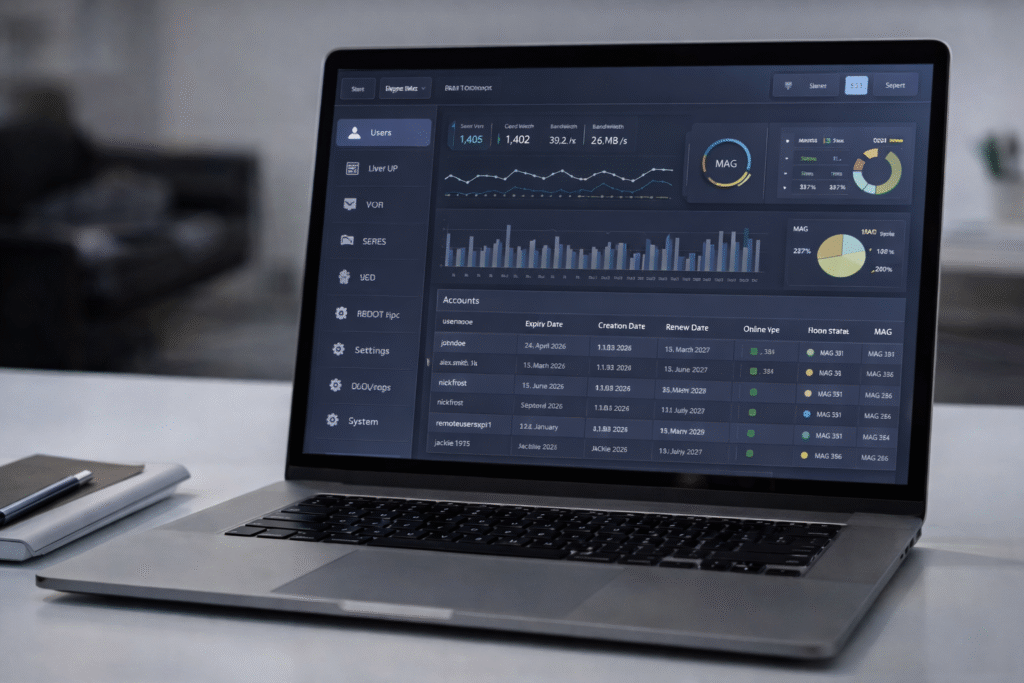
The first step inside the iptv control panel is creating a user account. Admins or resellers enter basic details, such as username, password, and allowed connections. This user is then linked to a package, which controls what they can watch.
Authentication checks make sure only valid users can access streams. If login details are wrong or expired, access is blocked automatically.
Subscription and Package Management
Next, the iptv control panel connects each user to a subscription. Packages can be customized with specific channels, VOD options, and connection time limits. Resellers can also generate free trials to attract new users.
The panel keeps track of active, expired, and soon-to-expire accounts. This helps providers stay ahead and avoid service gaps.
Channel and VOD Distribution
From the iptv control panel, you can assign live TV channels, video on demand, and even catch-up content. Channels are grouped into bouquets that can be added or removed with one click.
Admins use this part of the panel to organize content based on region, language, or content type. It keeps the experience simple for the end user.
Connection Control and Expiration
One major feature of the iptv control panel is the ability to limit how many devices each user can connect. This prevents account sharing and protects your server load.
The panel also tracks expiration dates. When a subscription ends, the system blocks access without needing manual input.
Monitoring and Reporting
Every action inside the iptv control panel can be tracked. You can see how many users are online, which channels are most watched, and how servers are performing. This data helps with decisions on upgrades, new content, or fixing weak points.
Daily reports show usage stats, errors, and user activity. These tools help admins maintain smooth service while avoiding overload or downtime.
To help you test different subscription products before committing to a specific control panel setup, we recommend exploring our range of premium offerings. The Pure IPTV 1-Month Subscription Access is an excellent entry point for new operators to test the market, while the Strong 8K Server 12 Months IPTV Subscription offers a premium option for customers who demand the highest quality. We also offer the Trex OTT Server 12 Months IPTV Subscription and the Dream 4K IPTV 12 Months Subscription for operators who want to offer diverse content libraries. These products give you a practical way to understand what works before you scale your iptv control panel operations.
Core Features of a Professional IPTV Control Panel
A professional iptv control panel is more than just a login system. It includes advanced tools that help you manage users, content, security, and system performance with ease. Below are the most important features every strong panel should include.
User and Account Management
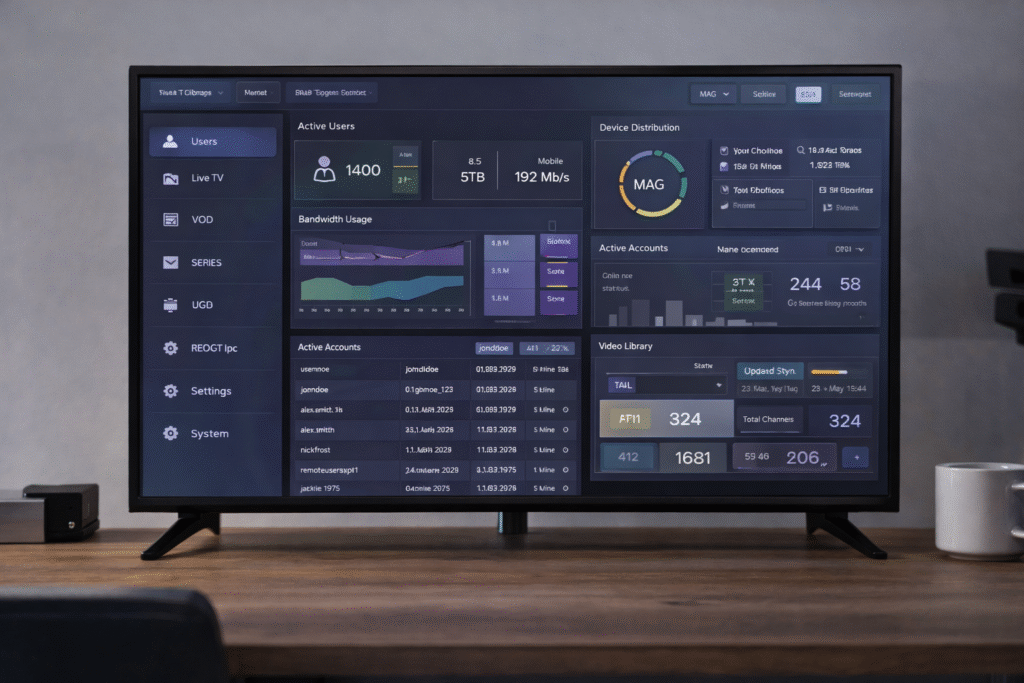
A proper iptv control panel allows you to:
- Add and remove users quickly
- Set connection limits
- Pause or delete accounts
- Track login history
This gives you full control over who can access your service and when.
Subscription and Credits System
Inside the iptv control panel, you can:
- Assign subscription plans
- Create trial accounts
- Add credit-based access options
- Manage expiration and renewal dates
This setup keeps your business flexible for both short-term and long-term users.
Multi-Connection Control
The iptv control panel lets you limit the number of devices each user can connect. This protects your server from overload and keeps resellers from losing revenue due to shared logins.
EPG, VOD and Catch-Up TV
With the iptv control panel, you can:
- Enable Electronic Program Guide (EPG)
- Manage video on demand libraries
- Offer catch-up TV for missed content
These features help users get more from their subscription and reduce complaints.
Security and Access Permissions
A strong iptv control panel includes tools like:
- IP blocking
- Country restrictions
- Role-based permissions
- Encryption support
These settings prevent abuse, keep data safe, and allow you to stay in control.
API and Integration Options
For advanced setups, the iptv control panel can:
- Connect with billing platforms
- Link to external apps
- Support API access for automation
This helps large operations run smoothly without manual updates every time.
For operators who want to offer premium content options to their users through their control panel, we recommend exploring our range of high-quality server panels. The Prime Plus Server 12 Months IPTV Subscription offers excellent performance for demanding customers, while the Apollo Group Panel provides extensive channel coverage. For operators looking to offer 4K content, the Zen 4K IPTV Reseller Panel is an excellent choice, and the Prime Plus Panel offers robust backend features. These options give you flexibility in building your content lineup from day one as you configure your iptv control panel.
IPTV Control Panel Feature Checklist
Not all users need the same tools. A good iptv control panel should offer flexible features that suit beginners, resellers, and large operations. This checklist helps you match features to your needs and avoid overpaying or missing key tools.
For Beginners
A beginner-friendly iptv control panel should include:
- Easy user creation
- Trial account generation
- Basic subscription control
- Pre-made channel bouquets
- Simple dashboard layout
These features allow new users to learn the system without getting overwhelmed.
For Growing Resellers
A growing IPTV business needs an iptv control panel with:
- Multi-user support
- Credit and subscription management
- Limited access for sub-resellers
- Bulk user creation
- Channel grouping by region or language
These tools help resellers scale their service while staying in control.
For Large-Scale Operations
Enterprise-level setups require a full iptv control panel with:
- API integration
- Server load balancing
- Custom roles and permissions
- Security tools like IP filters
- Real-time monitoring and reports
These features support high traffic, reduce errors, and keep performance stable.
This checklist shows how a single control panel iptv can meet the needs of different users. Whether you’re starting small or handling thousands of clients, the right tools make a big difference.
For operators who want to learn from the experiences of others and optimize their control panel workflows, we offer community perspectives through our IPTV Reseller Reddit Guide 2025 and practical advice through our Top 10 IPTV Reseller Tips . We also provide insights into the broader market with our IPTV Service Provider in 2026 analysis and our Best IPTV Service and Reseller Panels guide. For operators targeting the US market, our Best IPTV Providers in the USA and Trusted IPTV Reseller in USA guides offer valuable insights. Learning from others’ experiences helps you optimize your iptv control panel setup.
Scalability, Performance and Stability
As your IPTV service grows, your control panel iptv must keep up. A weak system can lead to freezing, slow loading, and user complaints. That’s why performance and stability are just as important as features.
Load Balancing Explained
A strong iptv control panel supports load balancing. This spreads user traffic across multiple servers. It prevents overload, keeps streams smooth, and reduces downtime. Load balancing helps the system stay responsive, even when hundreds of users are online.
Anti-Freeze and Stream Stability
Stream freezing is a major complaint in IPTV. A reliable control panel iptvuses smart settings to avoid it. Features like adaptive bitrate and real-time server checks help keep streams steady. When one server is under pressure, the panel shifts users to a better one.
Performance Monitoring
Ongoing monitoring is built into every top-level iptv control panel. You can track CPU usage, connection counts, and stream health. This gives admins a clear view of how each server is working. Early warnings help fix issues before they affect the user.
The combination of load control, adaptive quality, and system monitoring ensures that your iptv control panel stays fast and stable, even during peak hours. These features protect your service and improve the user experience.
For operators who want to maximize their system’s potential with premium performance tools, we offer specialized panels for different operational needs. The Crystal OTT Server Panel provides excellent streaming quality and load balancing capabilities, while the Pure 12 Month Subscription offers a reliable long-term option for value-conscious operators. For operators targeting the premium sports market, the Strong 8K Panel delivers exceptional performance. Additionally, the Cobra IPTV Panel and the King 365 Panel offer robust scalability features. These products give you the flexibility to build a well-performing iptv control panel system.
IPTV Control Panel Security and User Protection
Security is one of the most important parts of any control panel iptv. Without proper protection, your service can be exposed to account abuse, piracy, or server overload. A secure setup protects both the business and the users.
Authentication and Permissions
A trusted iptv control panel includes secure login options and access controls. Admins can:
- Set strong passwords
- Assign roles to different users
- Limit what each role can view or change
This helps prevent unauthorized access and protects sensitive settings.
IP Blocking and Abuse Prevention
To stop misuse, the control panel iptv allows IP filtering. If a user tries to log in from a blocked region or makes too many failed attempts, access is denied. Some panels also detect account sharing and can cut off repeated logins from different locations.
This adds an extra layer of defense that works in real-time.
Data Protection and Encryption
All communication inside a quality control panel iptv is protected by encryption. This keeps user data safe from leaks or outside attacks. Whether it’s login info or streaming content, encrypted data is harder to steal or copy.
A secure control panel iptv also follows best practices for storing account information and tracking activity. This builds trust with users and reduces legal risk for the provider.
Security is not a bonus feature. It is a basic requirement. A modern iptv control panel must combine strong access control, active monitoring, and reliable encryption to protect your IPTV business from daily threats.
For operators who want to ensure their iptv control panel is fully secure and optimized for growth, we offer specialized guidance on multi-device management and backend infrastructure. Our article on the IPTV Panel for Multiple Devices explains how to manage subscriptions across different platforms, while our IPTV Smarters guide provides detailed instructions on using one of the most popular applications. We also cover the technical infrastructure behind IPTV Encoders for Resellers and provide insights into Trusted IPTV Server Software Guide . These resources ensure your iptv control panel has the security and operational foundation it needs to scale successfully.
Common IPTV Control Panel Use Cases
The control panel serves many different users with different goals. From solo resellers to private networks, this tool adapts to a wide range of use cases. Its flexibility is one of the main reasons it remains a must-have for IPTV service providers.
IPTV Resellers
For resellers, the iptv control panel acts as the main tool to grow their business. They can:
- Create user accounts
- Offer trials to new customers
- Control how many devices each client can use
- Monitor account activity in real time
The control panel gives resellers the power to manage customers under their own brand with minimal effort.
Businesses and Organizations
Hotels, schools, and corporate offices often need custom IPTV setups. The control panel iptv helps them deliver private streaming without outside platforms. Admins can assign content to specific screens, track usage, and keep access limited to certain devices.
This makes the iptv control panel useful for internal communication, digital signage, or staff training.
Private IPTV Networks
Some users prefer private IPTV for family use or local community streaming. A small-scale iptv control panel allows them to organize channels, manage devices, and control who can log in. It offers more control than public apps and protects content from outsiders.
These private networks often use the same tools as larger operations, just on a smaller scale.
The iptv control panel fits almost any setup. Whether you’re selling access, managing a building, or sharing streams privately, this system gives you the tools to stay in control and run things smoothly.
For entrepreneurs who want to build a sustainable business with the right control panel tools, we offer comprehensive resources on long-term growth. Our IPTV Control Panel Complete Guide 2026 and IPTV Service Provider in 2026 analysis offer forward-looking perspectives on where the industry is heading. We also provide region-specific guidance through our IPTV Reseller Service USA 2026 and IPTV Canada 2026 Best Services articles. Additionally, our Profitable IPTV Business Ideas article provides inspiration for scaling your venture. Whatever your goals, we have the resources to help you build a lasting and profitable iptv control panel system.
Popular IPTV Control Panel Technologies
A reliable control panel iptv often depends on the technologies it supports. These include software systems, stream protocols, and app compatibility. Knowing these technologies helps you choose a control panel that works with your setup.
Middleware and Control Panel Software
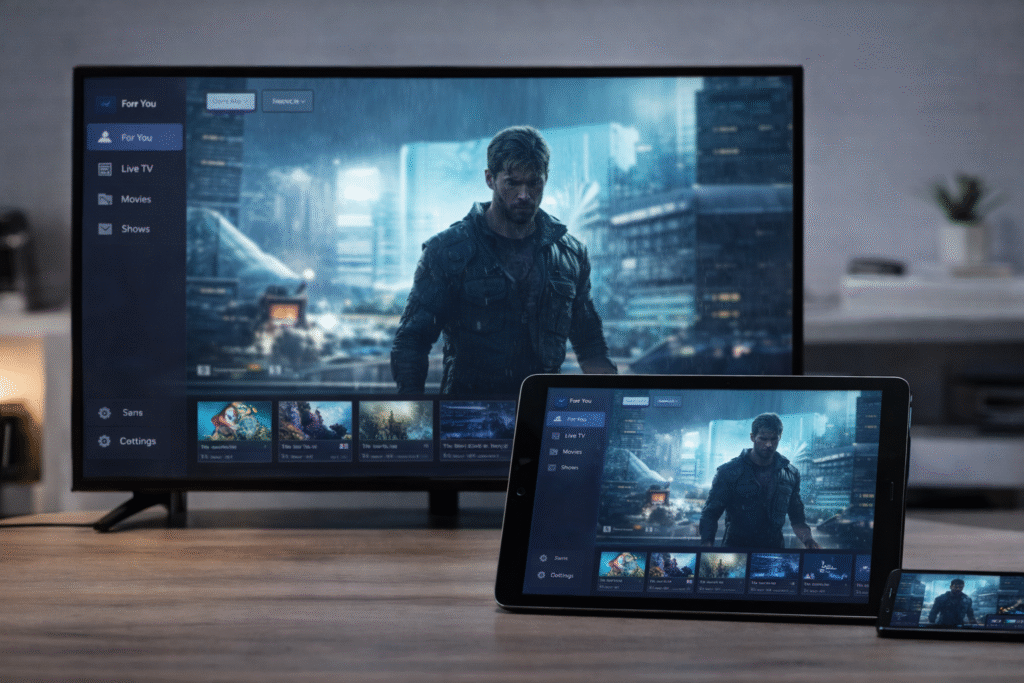
Middleware is the software layer that connects the content to the user. A good control panel iptv includes middleware features or integrates with tools like Xtream UI or Stalker Portal. These systems allow full user control, package setup, and connection handling.
Middleware also supports the backend functions that keep your IPTV service stable.
Protocols and Formats (M3U, HLS, Stalker)
Streaming relies on protocols. A proper control panel supports multiple formats such as:
- M3U: Common for playlists and basic compatibility
- HLS: Used for smooth, adaptive streaming
- RTSP and UDP: Known for faster delivery in certain networks
- Stalker: Often linked with MAG devices for set-top boxes
These protocols let your panel work with many different devices and apps.
App Compatibility (Tivimate, IPTV Smarters)
A strong iptv control panel should support common user apps. Most clients use apps like IPTV Smarters, Tivimate, or Smart STB. These apps connect to your panel using M3U or Xtream Codes API.
The control panel’s job is to handle these connections, manage user rights, and deliver content based on what the app requests.
By supporting these technologies, the iptv control panel becomes flexible and future-proof. It ensures that both basic users and advanced streamers get the access they expect.
How to Choose the Right IPTV Control Panel
Choosing the right iptv control panel depends on your goals, user size, and technical experience. Many providers rush into the first option they find, but that often leads to limits and problems later. This section helps you avoid those mistakes with a simple decision guide.
Questions to Ask Before Choosing
Before picking any control panel, ask these:
- How many users will I manage?
- Do I need trial account features?
- Will I offer live TV, VOD, or both?
- Do I need multi-connection support?
- What apps or devices should it support?
- Will I manage everything or share access with resellers?
Your answers will shape what features matter most.
Common Mistakes to Avoid
A common mistake is picking a panel with too many advanced features you’ll never use. Another is choosing a basic iptv control panel that lacks security, scalability, or app support. Here are a few more to avoid:
- Ignoring user limits or server capacity
- Choosing software without support or updates
- Overlooking integration with billing or automation tools
The best iptv control panel balances power with ease of use.
Beginner vs Advanced Needs
If you are a beginner, look for a simple control panel that offers:
- Easy user creation
- Pre-set packages
- Simple dashboard
If you run a growing IPTV service, you’ll need:
- Full subscription control
- API access
- Load balancing
- Monitoring and reporting tools
Matching the panel to your skill level and business stage saves time and money.
Making the right choice means getting a system that grows with you. A well-chosen iptv control panel can support your service today and adapt to what you need tomorrow.
IPTV Control Panel FAQs
What is an IPTV control panel?
An iptv control panel is a software system used to manage users, subscriptions, content, and access for IPTV services. It acts as the main control point for resellers and providers.
How does an IPTV reseller panel work?
A reseller panel is a simplified version of an iptv control panel. It lets resellers create user accounts, offer trials, and assign subscriptions. The main provider controls the system, while the reseller handles customer-level actions.
What features should an IPTV control panel have?
A good iptv control panel should include:
User and account management
Subscription control
Trial creation
VOD and live TV settings
Security tools
Monitoring and reports
These features make it easier to manage your IPTV service.
Is an IPTV control panel legal?
The software itself is legal. However, what matters is how it’s used and whether the content being delivered is licensed. Always check local laws and content rights before offering IPTV services.
Can beginners use an IPTV control panel?
Yes. Many iptv control panel options are beginner-friendly. They come with simple menus, basic setup tools, and preloaded channel options. This makes it easier to start even without deep technical skills.
What devices are compatible with IPTV panels?
Most control panel systems work with apps like IPTV Smarters, Tivimate, and Smart STB. They support M3U and Xtream Codes API, which are common formats used on smart TVs, phones, and set-top boxes.
How do IPTV panels manage subscriptions?
The iptv control panel links each user to a subscription plan. It sets the start date, expiration, allowed devices, and assigned content. When time runs out, the panel blocks access until renewed.
What is the difference between a panel and a portal?
The iptv control panel is the backend tool used by providers and resellers. The portal is the viewer-facing part where users log in to watch streams. One manages the system. The other delivers the content.
Conclusion
An iptv control panel is the core tool behind any successful IPTV setup. It gives providers, resellers, and admins full control over users, subscriptions, content, and system performance. Without it, managing even a small IPTV service would be slow, confusing, and full of errors.
Whether you’re starting out or expanding a large operation, the iptv control panel brings structure and control to your service. From creating user accounts to handling renewals and monitoring server health, everything flows through this one system.
Choosing the right iptv control panel helps you scale faster, reduce problems, and deliver a smoother viewing experience. The best setup fits your current needs and still supports future growth. With the right tools in place, your IPTV service can stay secure, stable, and easy to manage.