Introduction
So you want to stream live sports, your favorite movie collection, or a 24/7 series channel to your own audience. That means you need an IPTV encoder box.
But here is the challenge most beginners face: which encoder do you choose? And once you have one, what comes next?
The truth is, an IPTV encoder box is only half the picture. The other half is managing your streams, your subscribers, and your billing. Whether you plan to use IPTV Pro Panel or another platform, understanding encoders is your first step.
This guide will walk you through everything you need to know about choosing an IPTV encoder box, the features that actually matter for US viewers, and why a good IPTV panel completes your setup.
Table of Contents
What Is an IPTV Encoder Box?
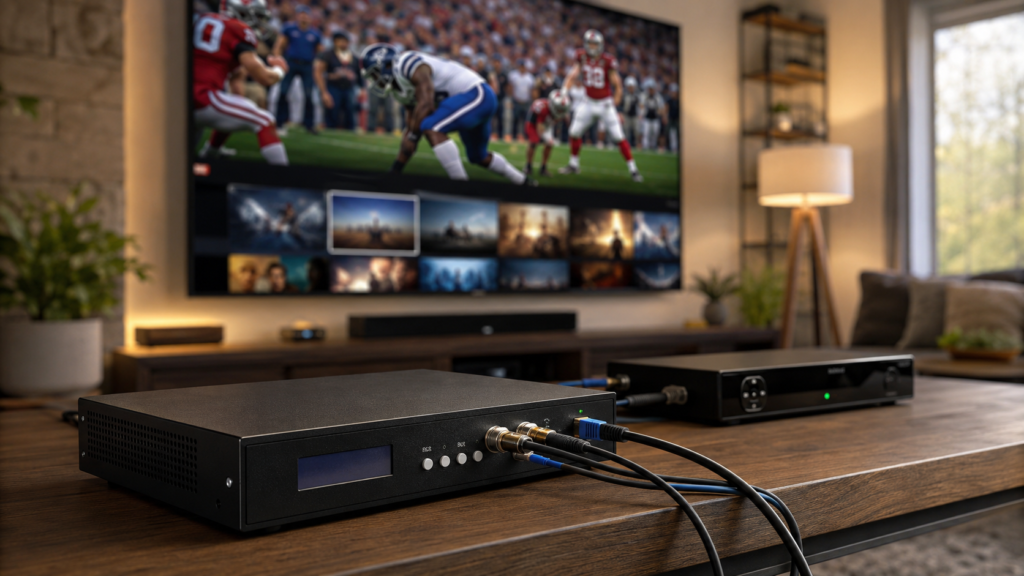
An IPTV encoder box is a hardware or software device that takes a video signal (from a camera, satellite receiver, or media player) and converts it into a digital format that can be streamed over the internet.
Think of it as a translator. Your source speaks one language (HDMI or SDI). The internet speaks another (RTMP, SRT, or HLS). The encoder makes them understand each other.
Without an encoder, you cannot broadcast live sports, movies, or series to multiple viewers reliably. It is the foundation of any serious IPTV channel.
Professional hardware encoders like the TBS2601 HD HDMI/CVBS Video Encoder support H.264 encoding, multiple streaming protocols (RTMP, RTSP, UDP), and are widely used for IPTV broadcast applications.
Why Sports, Movie & Series Fans Need an Encoder
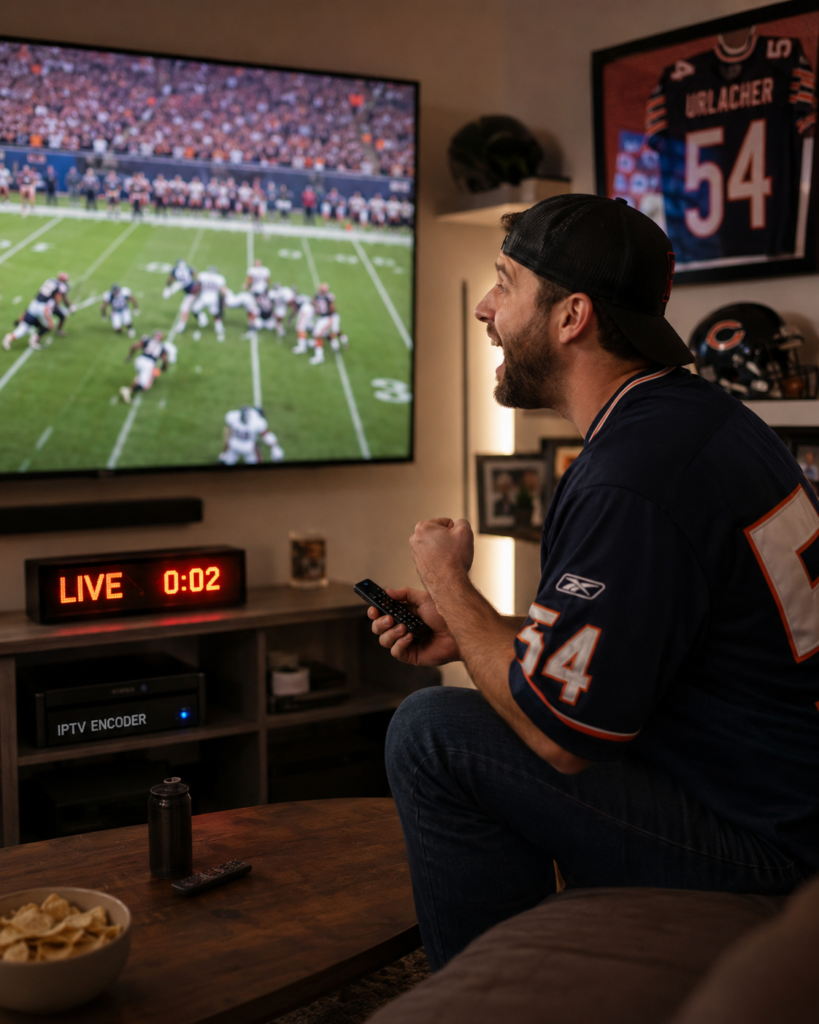
Your target audience is specific: American viewers who want high-quality sports, movies, and series without cable limitations.
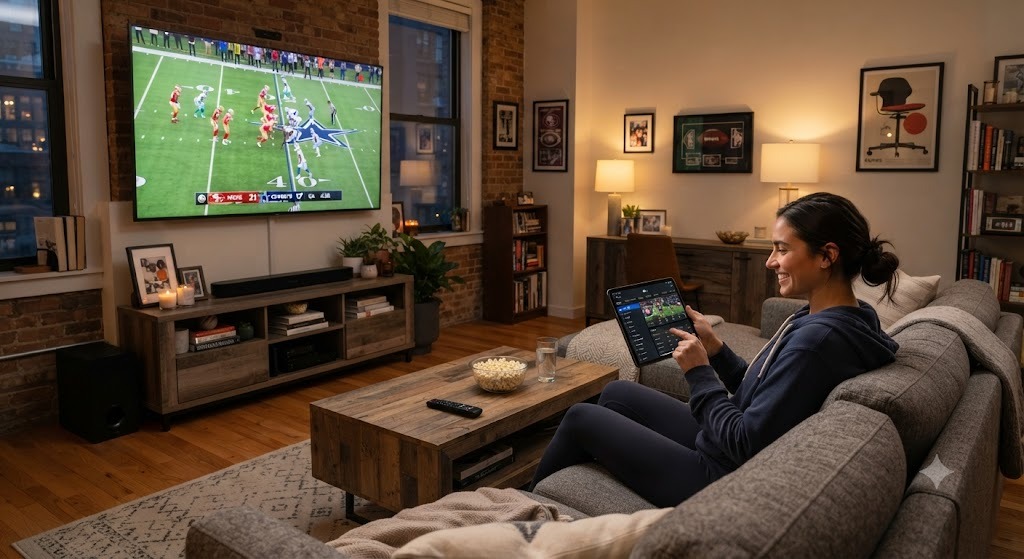
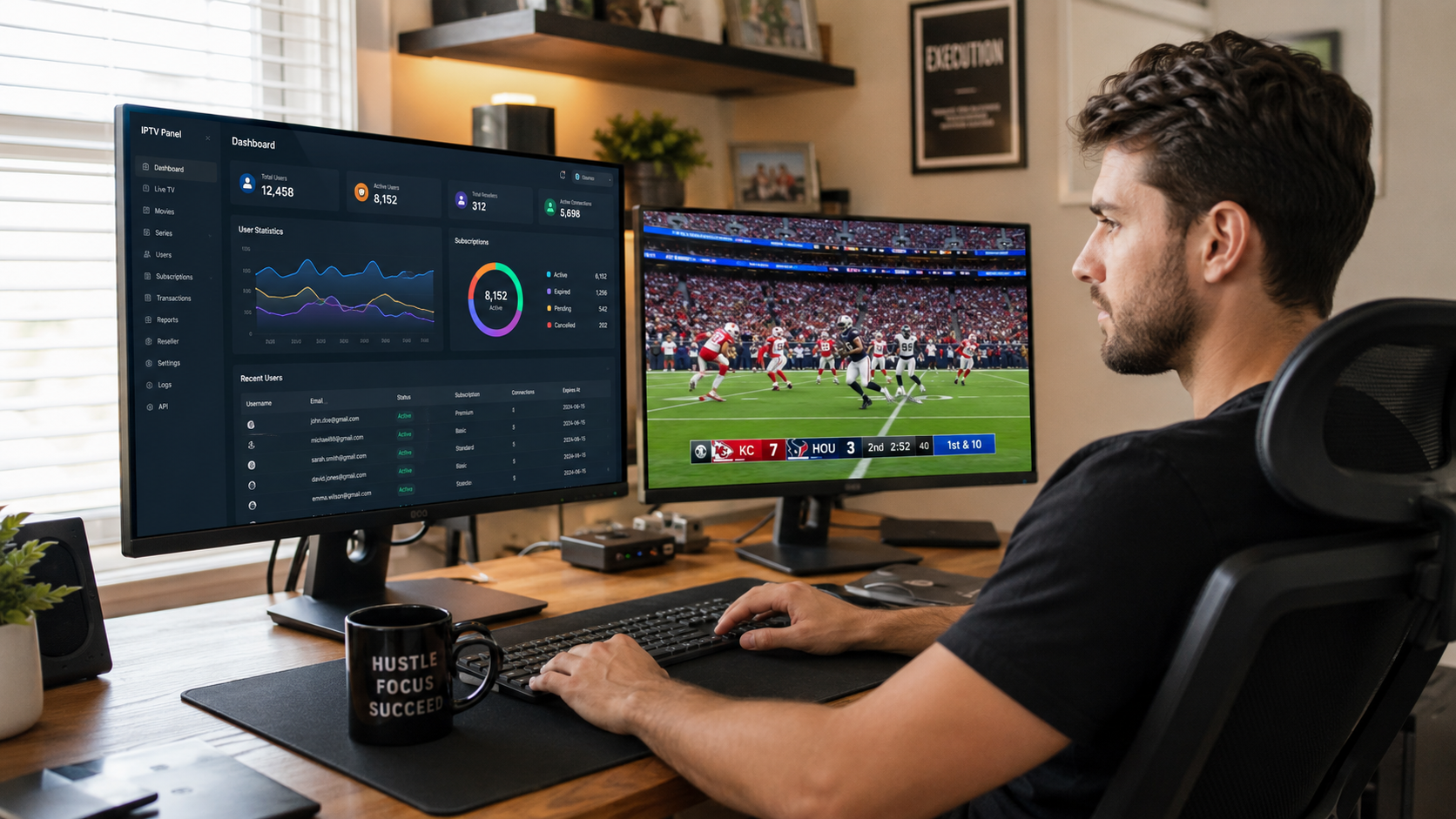
For live sports: Latency matters. A good IPTV encoder box delivers streams with under two seconds of delay. That means your audience celebrates the touchdown in real time, not thirty seconds later.
For movie channels: Consistent quality matters. Viewers expect 1080p or 4K resolution without buffering. A reliable encoder maintains that quality across hundreds of simultaneous connections.
For series libraries: Stability matters. If your channel runs 24/7, your encoder must not crash, overheat, or lose signal. Enterprise-grade hardware encoders are built for exactly this.
US audiences are demanding. They have experienced Netflix, ESPN+, and Hulu. Your IPTV service must meet those expectations. It starts with the right encoder.
5 Critical Features to Look For in an IPTV Encoder Box
Not all encoders are created equal. Here are the five features that separate a professional stream from a frustrating experience.
If your goal is to scale beyond a handful of users into a real IPTV business, your panel needs advanced tools. The Crystal OTT Server Panel offers sub-panel creation, customizable channel templates, and integrated VPN activation. It is designed for resellers who need to handle large customer bases while maintaining HD, Full HD, and Ultra HD streaming quality. Pair this with your encoder, and you have a professional-grade operation ready for growth.
1. Latency & Speed
Latency is the delay between the live event and what your viewers see.
- Good: Under 5 seconds
- Better: Under 3 seconds
- Best for sports: Under 2 seconds
If you plan to stream NFL, NBA, UFC, or any live event, low latency is non-negotiable. Check the encoder’s specifications for “glass-to-glass” latency numbers.
2. Resolution Support (1080p vs 4K)
Today’s US viewers expect high definition.
- 1080p (Full HD): The minimum standard for any serious IPTV channel.
- 4K (Ultra HD): Becoming more common, especially for sports and premium movie channels.
Make sure your IPTV encoder box supports at least 1080p at 60fps. If you plan to offer 4K in the future, buy an encoder that supports it now.
3. Streaming Protocols (RTMP, SRT, HLS)
Protocols are the rules your encoder uses to send video over the internet.
| Protocol | Best For |
|---|---|
| RTMP | Traditional streaming, wide compatibility |
| SRT | Unreliable networks, long distances |
| HLS | Apple devices, large audiences |
A good IPTV encoder box supports all three. SRT is especially valuable if your internet connection is not perfect.
Understanding the differences between major streaming protocols like HLS, MPEG-DASH, RTMP, and WebRTC is essential when choosing an encoder that meets your delivery needs.
4. Hardware vs Software Encoding
| Type | Pros | Cons |
|---|---|---|
| Hardware encoder | Dedicated, reliable, low latency | More expensive |
| Software encoder | Cheap, flexible | Uses your computer’s CPU |
For a 24/7 IPTV channel, hardware encoding is the professional choice. It runs independently, does not crash your computer, and handles high loads without breaking a sweat.
For a deeper look at the trade-offs between dedicated hardware and computer-based encoding, this comprehensive hardware vs software encoder comparison covers performance, cost, and reliability factors in detail.
5. Panel Compatibility
Here is the feature most guides miss.
Your IPTV encoder box does not work alone. It sends the stream to a server. But how do you manage who watches that stream? How do you bill subscribers? How do you organize your movies and series?
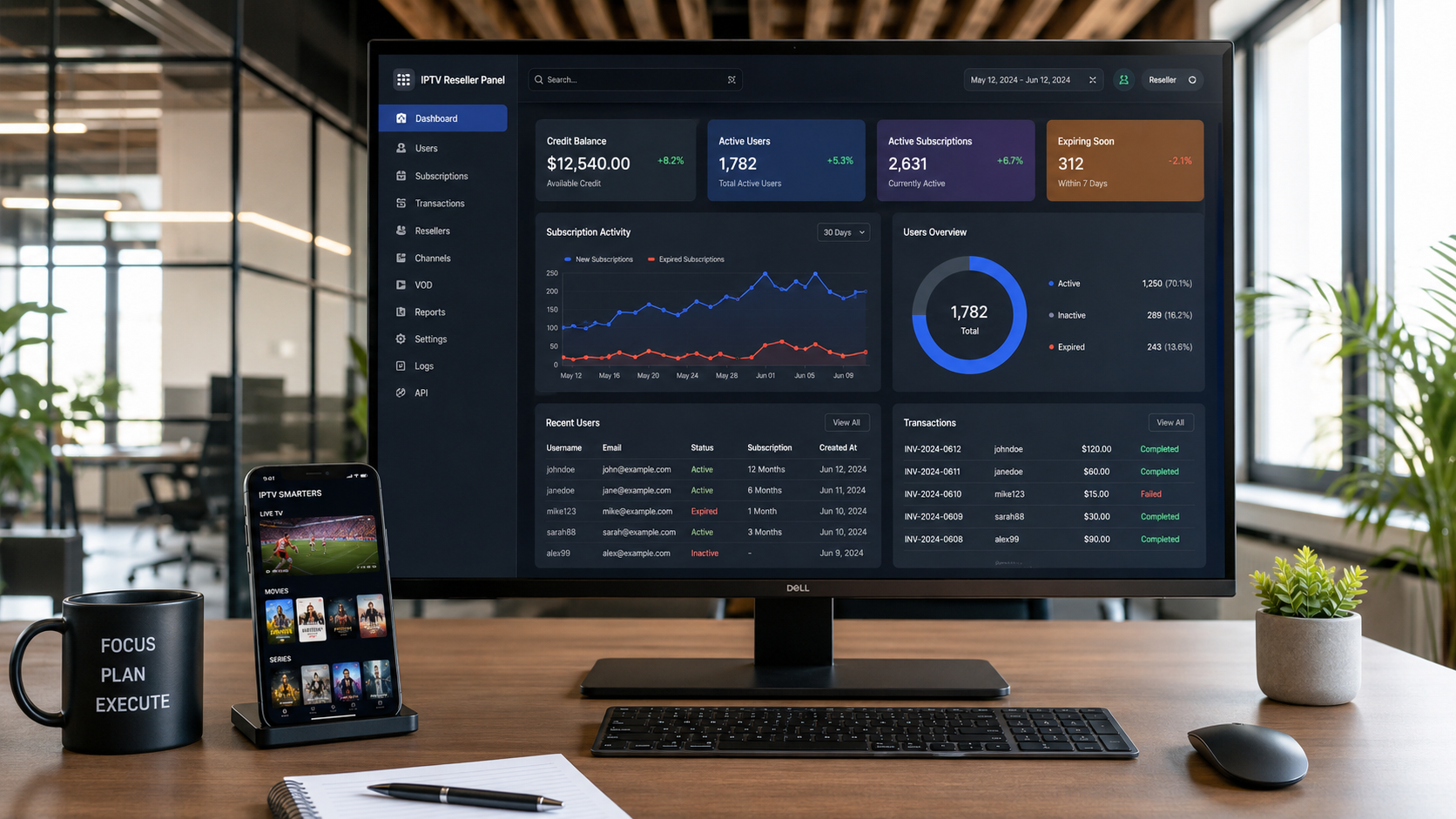
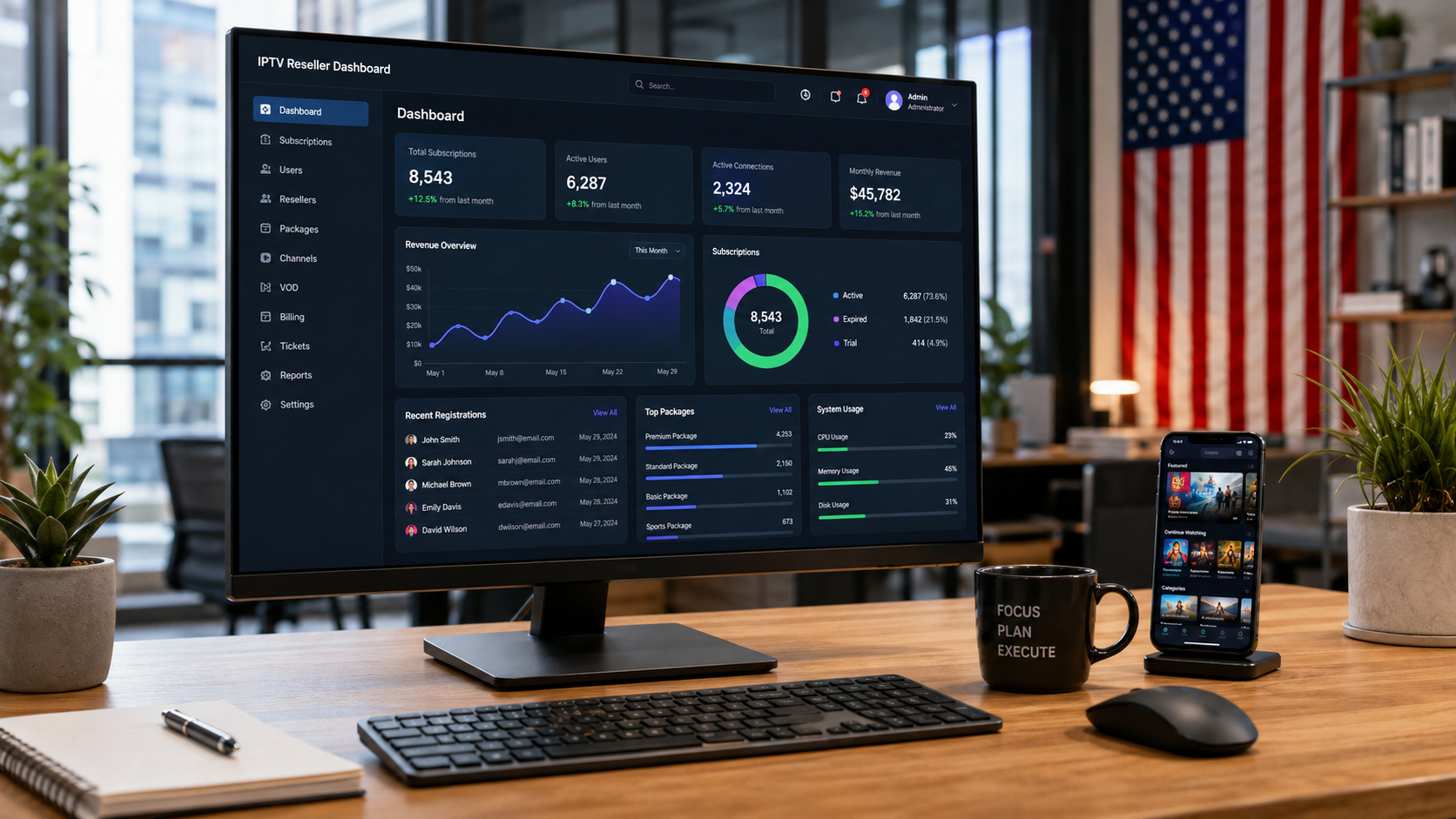
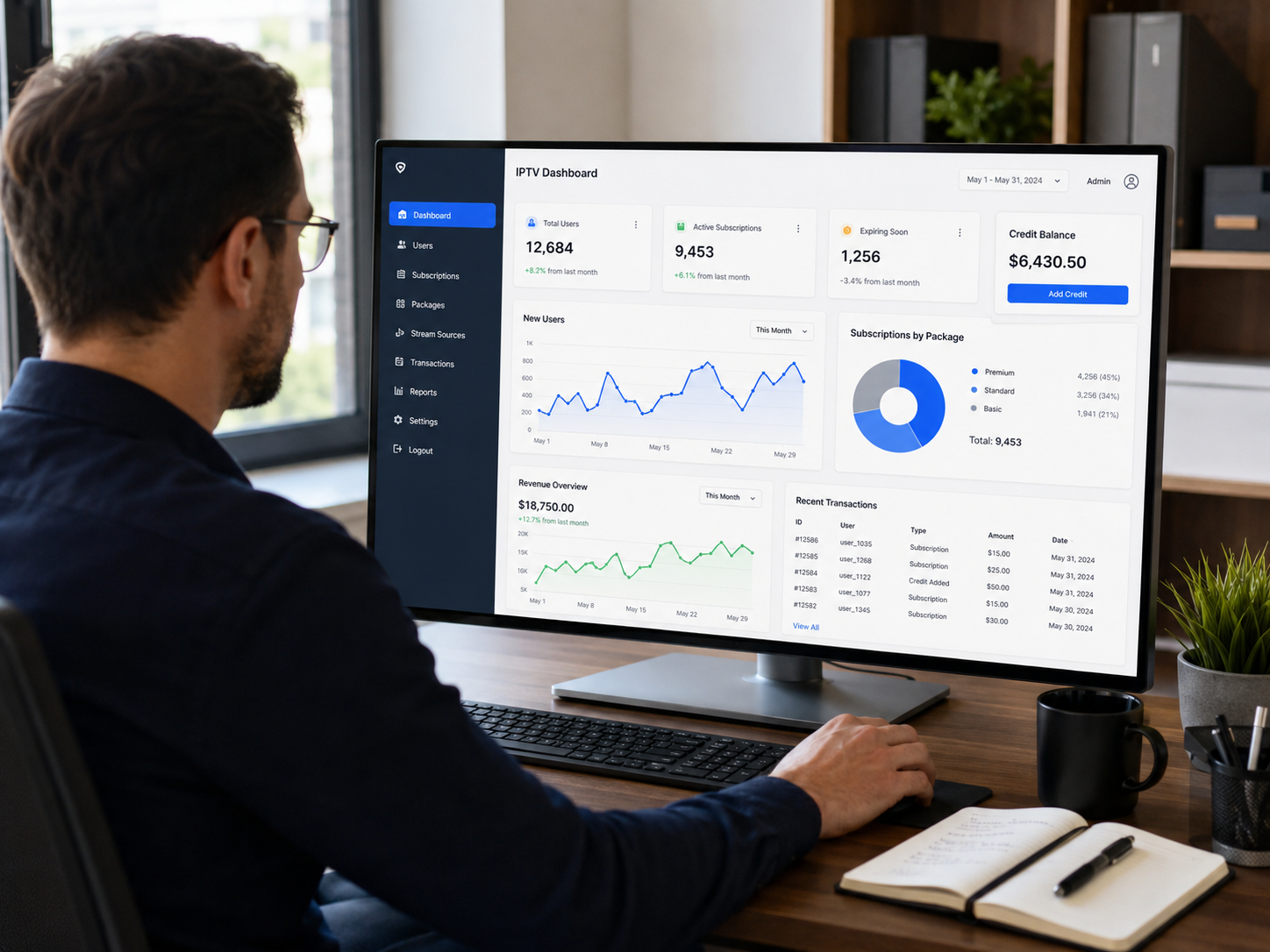
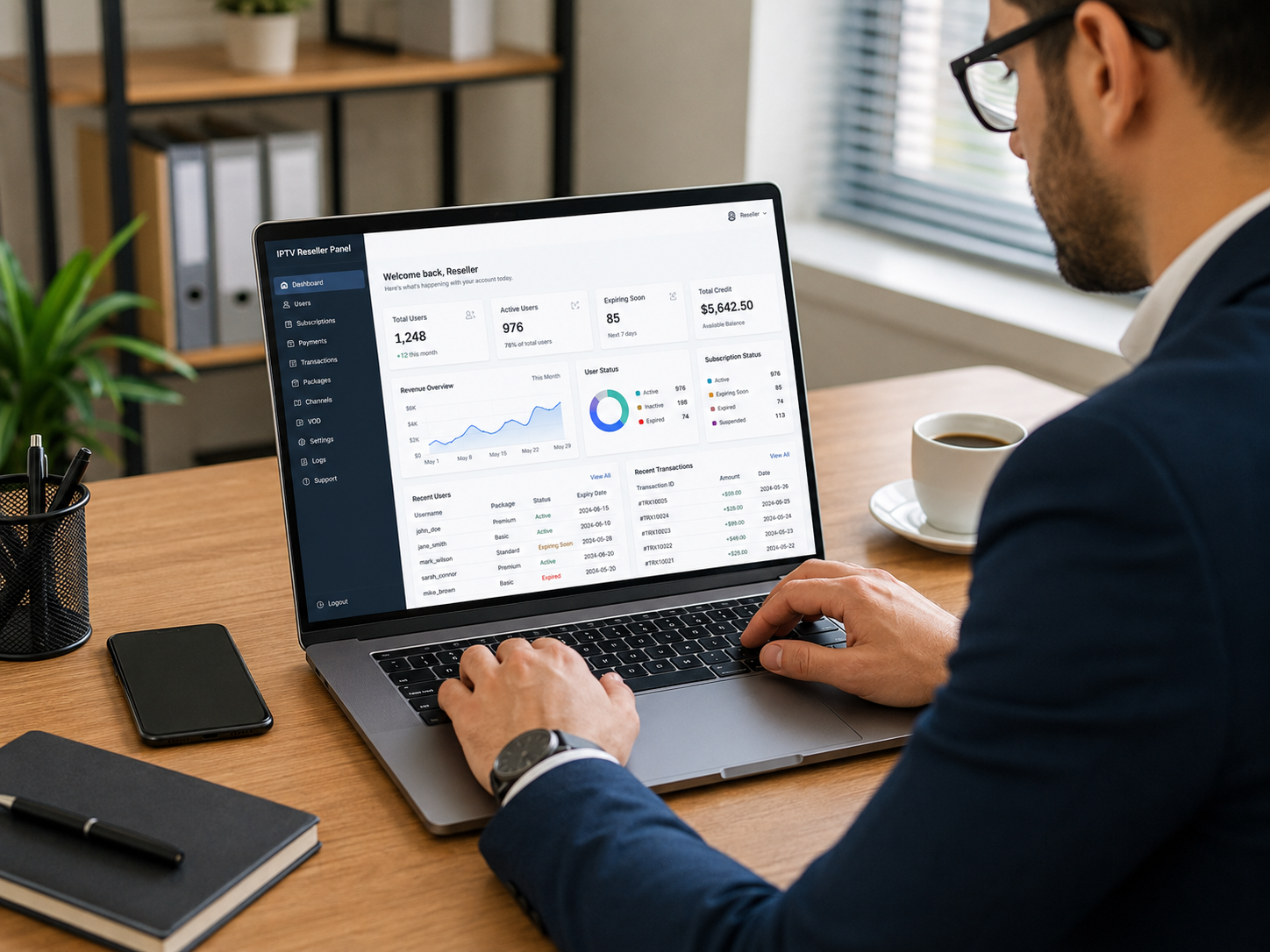
You need an IPTV panel – software that manages users, subscriptions, and content.
Before buying any encoder, confirm it works with modern IPTV panels like IPTV Pro Panel. Compatibility saves you weeks of headaches.
Learn more about panel-compatible streaming and how IPTV Pro Panel simplifies your setup.
The Missing Piece: Managing Your Streams With an IPTV Panel
You have chosen your IPTV encoder box. Your signal is converted and streaming. Now what?
This is where most beginners get stuck. They have the hardware but no way to run the business.
Once your IPTV encoder box is sending a clean signal, you need a panel to manage subscribers, track usage, and automate billing. The Prime Plus Panel is built specifically for beginners entering the IPTV reseller market. It gives you a simple dashboard, credit-based subscription management, and support for HD streaming — all without technical complexity. This means you can focus on growing your audience instead of fighting with software.
What Does an IPTV Panel Do?
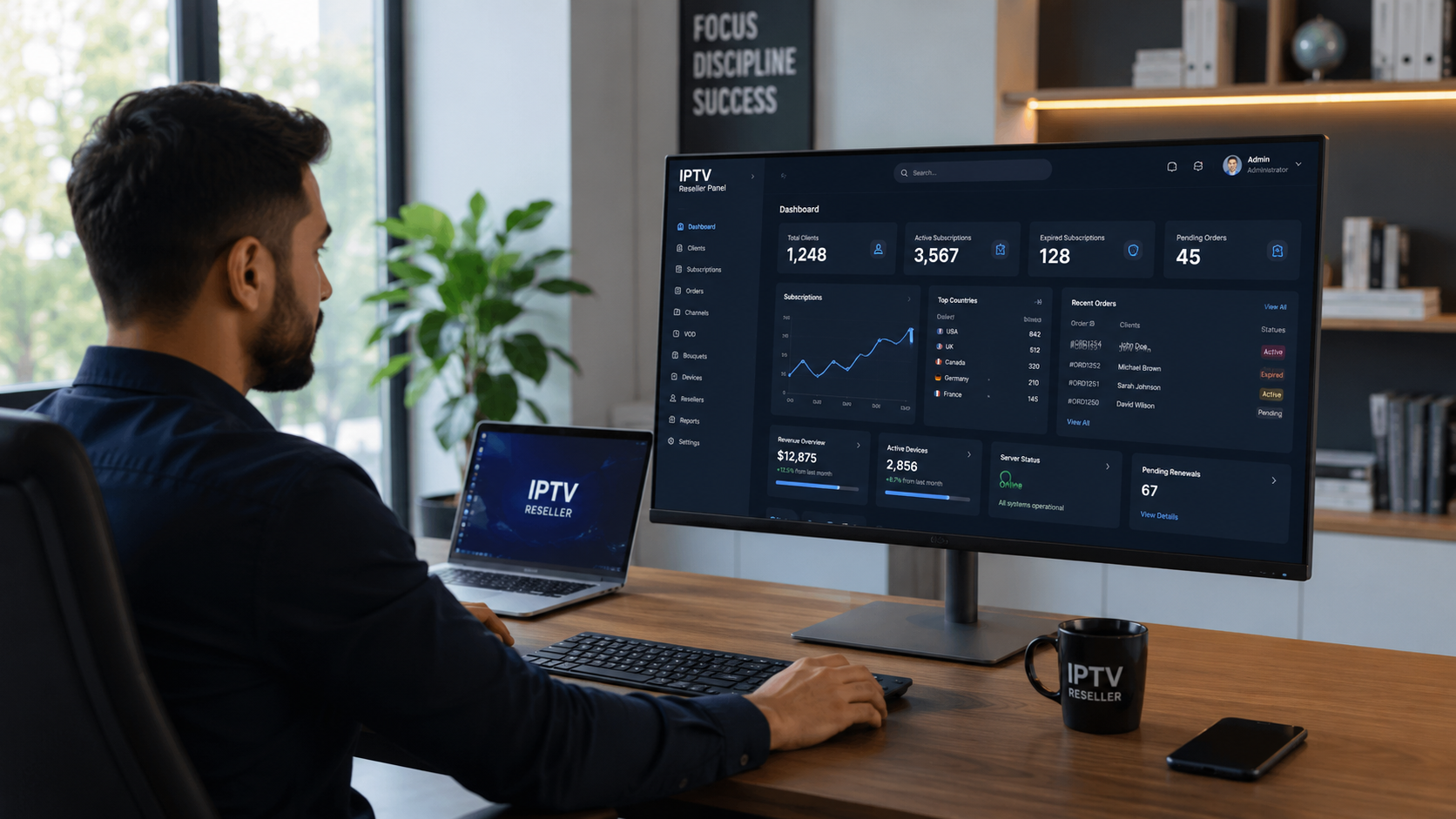
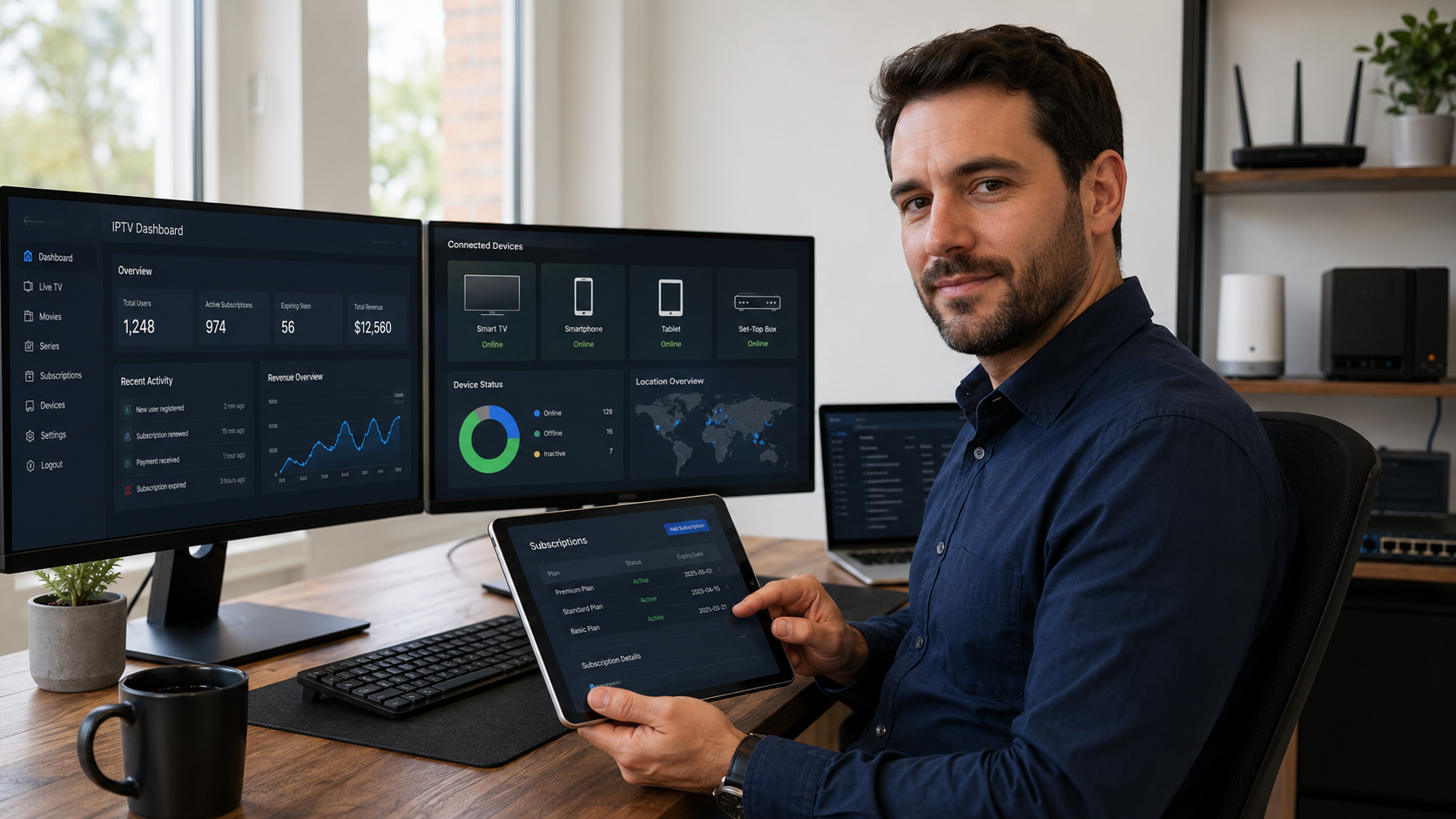
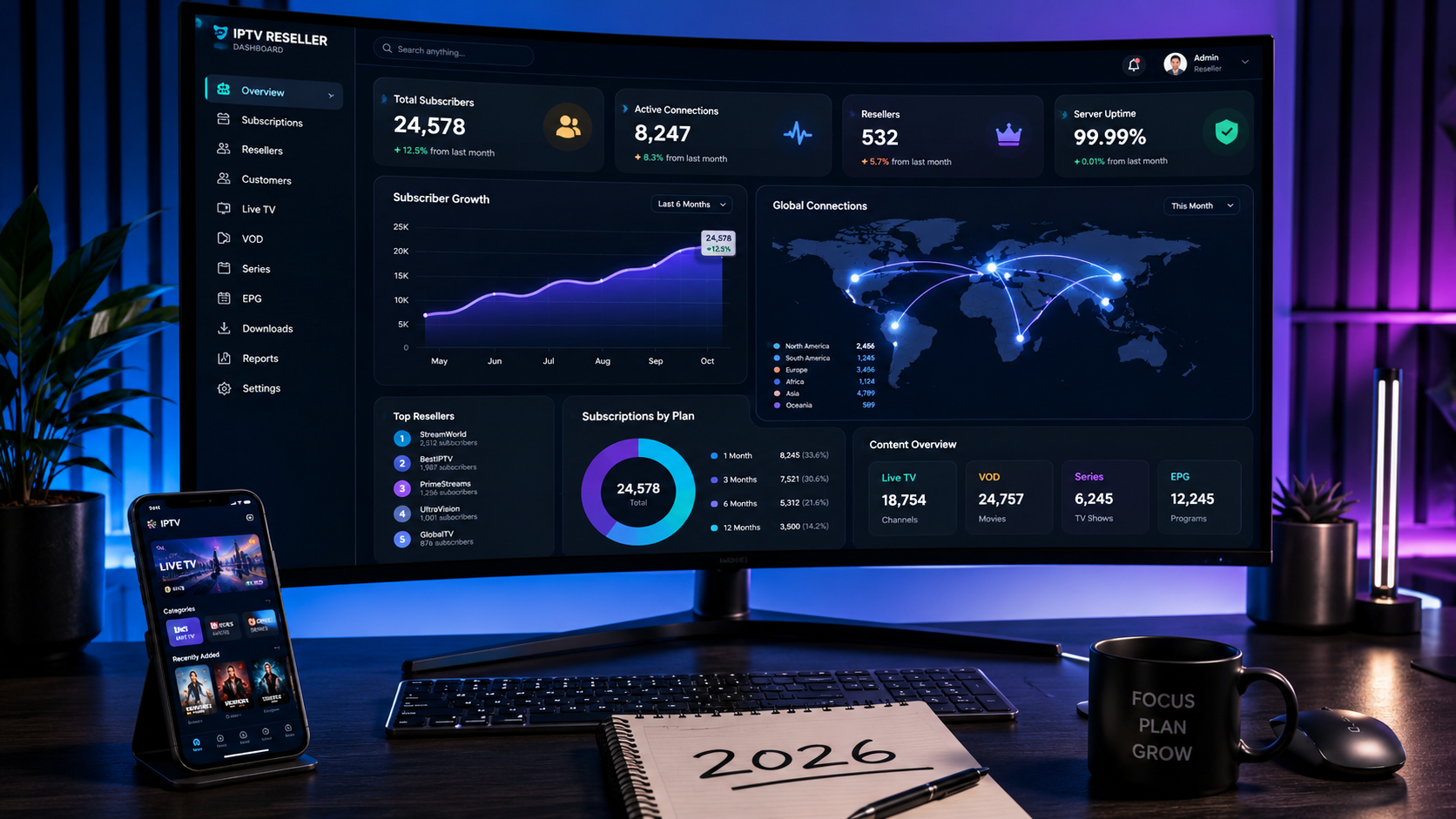
An IPTV panel is the software brain of your operation. It handles:
- User management: Create, suspend, or delete subscriber accounts.
- Subscription billing: Set pricing plans, renewals, and payment processing.
- Content organization: Structure your movies, series, and sports channels.
- Stream security: Prevent unauthorized access and piracy.
- Analytics: See who is watching, when, and for how long.
Without a panel, you have a stream but no way to sell access to it.
Why Your Encoder Needs a Good Panel Partner
Your IPTV encoder box sends the video. Your panel runs the business.
Think of it this way:
- Encoder = The engine
- Panel = The steering wheel, dashboard, and GPS
You can have the most powerful engine in the world, but without controls, you are going nowhere.
A good panel takes your encoded stream and turns it into a professional service with user logins, automated billing, and content on demand.
Meet IPTV Pro Panel – Built for US Streamers
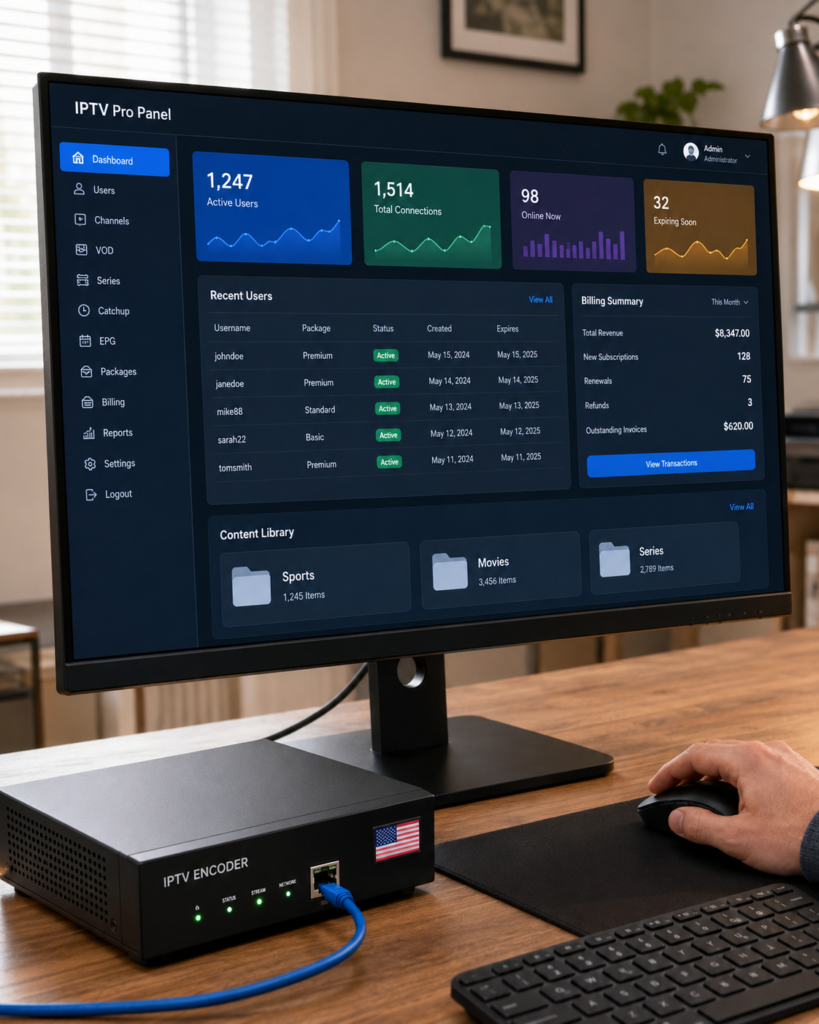
This is where IPTV Pro Panel completes your setup.
Designed specifically for American audiences who love sports, movies, and series, IPTV Pro Panel gives you:
- Easy encoder integration: Works with any modern IPTV encoder box using RTMP, SRT, or HLS.
- Subscriber management: Add, remove, or upgrade users in seconds.
- Automated billing: Set subscription prices and let the system handle payments.
- Content library organization: Structure your movies by genre, series by season, sports by league.
- Low-latency support: Perfect for live sports fans who cannot wait.
- US-friendly interface: Built for English-speaking streamers and their viewers.
Whether you are streaming Sunday Night Football, a classic movie marathon, or binge-worthy series collections, IPTV Pro Panel gives you the tools to manage it professionally.
Common Mistakes to Avoid When Buying an Encoder Box
Learn from others who went before you. Here are the most common mistakes when buying an IPTV encoder box.
Mistake 1: Buying on price alone
The cheapest encoder often means high latency, poor support, and unreliable streaming. You get what you pay for.
Mistake 2: Ignoring protocol support
If your encoder only does RTMP but your network needs SRT, you will have constant buffering issues.
Mistake 3: Forgetting about panel compatibility
You buy the encoder, set it up, then realize you have no way to manage subscribers. This is extremely common.
One common mistake buyers make is purchasing an encoder without checking which panels it works with. The Strong 8K Panel uses a simple credit system where one credit equals one month of service per user, and it supports M3U links, Xtream Codes, and portal links. Before you buy any encoder, verify that it outputs in formats compatible with panels like this. Otherwise, you will have a great stream with no way to sell access to it.
Mistake 4: No plan for subscriber management
Even with a panel, you need to understand billing, user limits, and content organization before launch.
How IPTV Pro Panel helps: Built-in subscriber management, easy encoder setup, and US-focused support to avoid these exact problems.
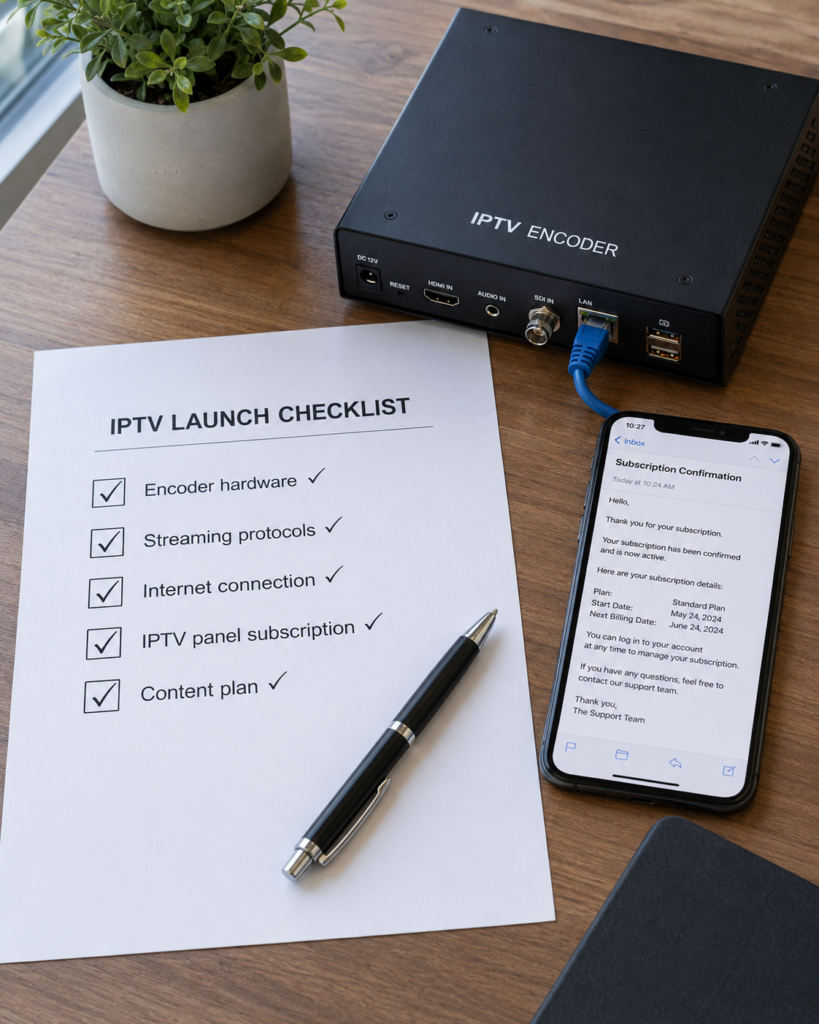
Quick Checklist: What You Need Before Buying
Before you purchase any IPTV encoder box, run through this checklist.
Your encoder is running. Your panel is set up. Now you need content to stream. A reliable IPTV subscription gives you instant access to thousands of live channels and on-demand movies and series without recording or hosting anything yourself. The Pure IPTV 12-month subscription includes over 75,000 live TV channels and 265,000 VOD options, works with any encoder that supports standard streaming protocols, and allows up to five simultaneous connections — perfect for testing your full workflow before adding paying customers.
- Encoder hardware (choose hardware over software for 24/7 channels)
- Streaming protocol support (RTMP, SRT, and HLS ideally)
- Reliable internet connection (at least 10 Mbps upload for 1080p)
- IPTV panel subscription (like IPTV Pro Panel for subscriber management)
- Content plan (what sports, movies, or series will you offer?)
- Budget for both encoder and panel (hardware plus monthly panel fees)
Tick every box before you buy. It will save you time, money, and frustration.
Frequently Asked Questions About IPTV Encoders & Panels
What is an IPTV encoder box used for?
It converts a video signal (from a camera, satellite, or media player) into a digital stream that can be broadcast over the internet to multiple viewers.
Do I need an encoder for IPTV streaming?
Yes. Without an encoder, you cannot convert your source content into a format that streaming servers and IPTV panels can understand.
Can I stream live sports with any encoder?
Not all encoders handle low-latency well. For live sports, choose an encoder with under 2 seconds of glass-to-glass latency and SRT protocol support.
What’s the difference between hardware and software encoding?
Hardware encoders are dedicated devices that are more reliable for 24/7 streaming. Software encoders run on your computer and are better for occasional or low-budget streaming.
Do I need an IPTV panel if I have an encoder?
Yes. The encoder sends the stream. The panel manages who can watch it, how they pay, and what content they see. You need both.
Does IPTV Pro Panel work with any encoder?
IPTV Pro Panel works with any modern encoder that supports RTMP, SRT, or HLS protocols – which is nearly all professional hardware and software encoders.
How much does it cost to start an IPTV service?
Costs include: encoder hardware ($200–$2000 depending on quality), IPTV panel subscription (varies), internet connection, and content licensing if applicable.
What internet speed do I need for 4K streaming?
For a single 4K stream, you need at least 25 Mbps upload. For multiple viewers, multiply accordingly. Your panel will help you manage bandwidth limits.
Conclusion
Choosing the right IPTV encoder box is your first step toward running a successful streaming channel for sports, movies, or series fans.
Remember the five critical features:
- Low latency (under 2 seconds for live sports)
- Resolution support (1080p minimum, 4K ready)
- Protocol flexibility (RTMP, SRT, HLS)
- Hardware over software for reliability
- Panel compatibility (non-negotiable)
But an encoder alone is not enough. You need an IPTV panel to manage subscribers, handle billing, and organize your content.
The final step in your buying journey is choosing a panel that matches your business ambitions. The Magnum Panel is designed for professional resellers who need enterprise-level features: sub-reseller management, customizable templates, integrated VPN, and a comprehensive dashboard for monitoring customer activity. It works with any modern IPTV encoder box that outputs M3U or portal links. Once your encoder hardware is selected, this panel gives you the control to turn a hobby stream into a profitable service.
That is where IPTV Pro Panel comes in. Built for US streamers and designed to work seamlessly with your IPTV encoder box, IPTV Pro Panel gives you everything you need to turn a raw stream into a professional service.
Ready to start your IPTV journey?
Get started with IPTV Pro Panel today and see how easy streaming can be.